WebCAM user manual -50-
Chapter 6: MultiMonitor
Chapter 6: MultiMonitor
MultiMonitor is a program to manage multiple WebCAMs in a network. It is able to
detect the IP’s of all the WebCAMs installed, and display them in a list form for easy
management.
Section 1. Installing MultiMonitor
n
Click on setup.exe and follow the installation wizard
o
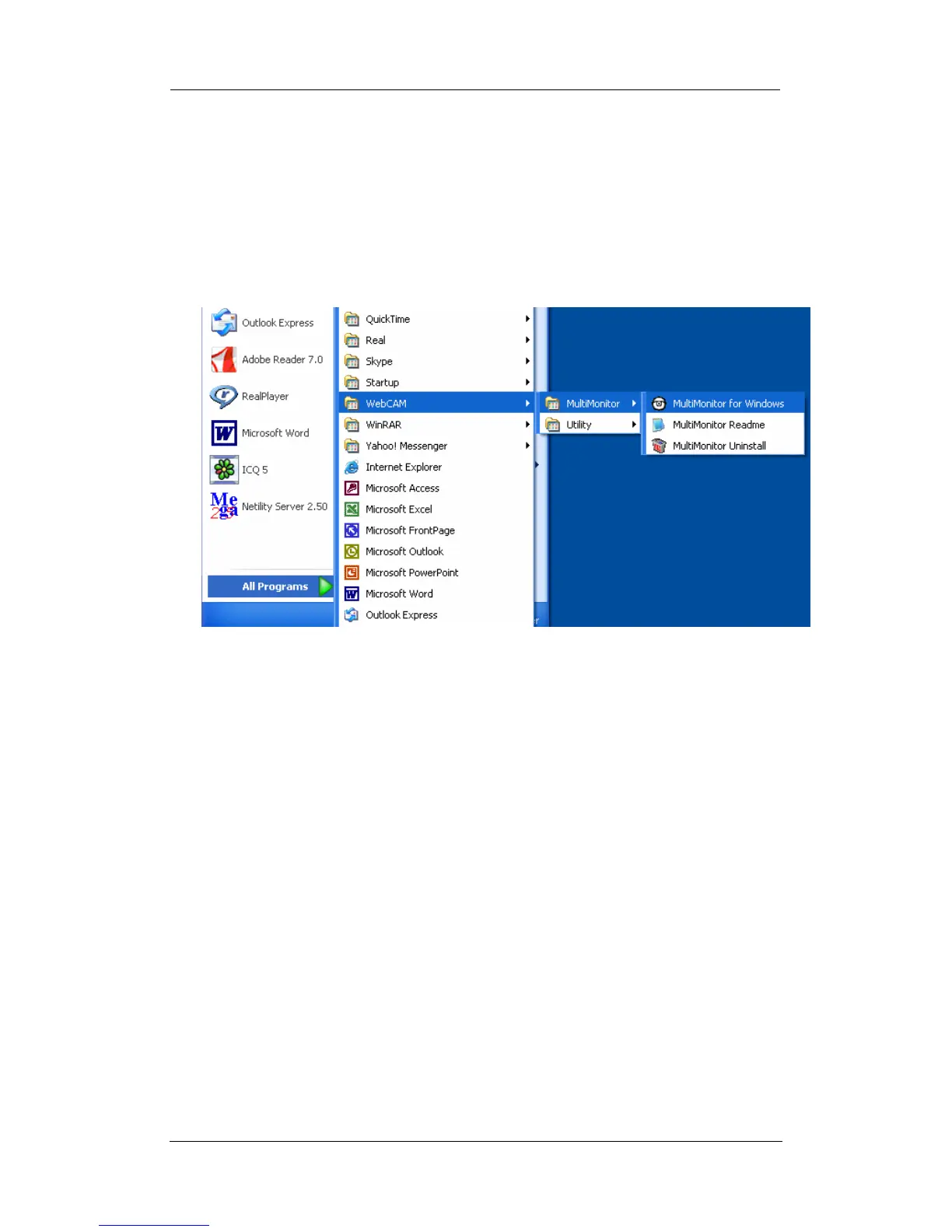
After installation, there will be a WebCAM group in the Windows Start group
p
Click “MultiMonitor” Æ “MultiMonitor for Windows” to start using MultiMonitor.
Section 2. Using MultiMonitor
After the MultiMonitor program start up the MultiMonitor register wizard shown below
will be displayed.















 To Next Page