WebCAM user manual -17-
Chapter 4: Using Utility to Setup IP & Update Firmware
Select the WebCAM on the right display screen, and then click “IP Configuration”.
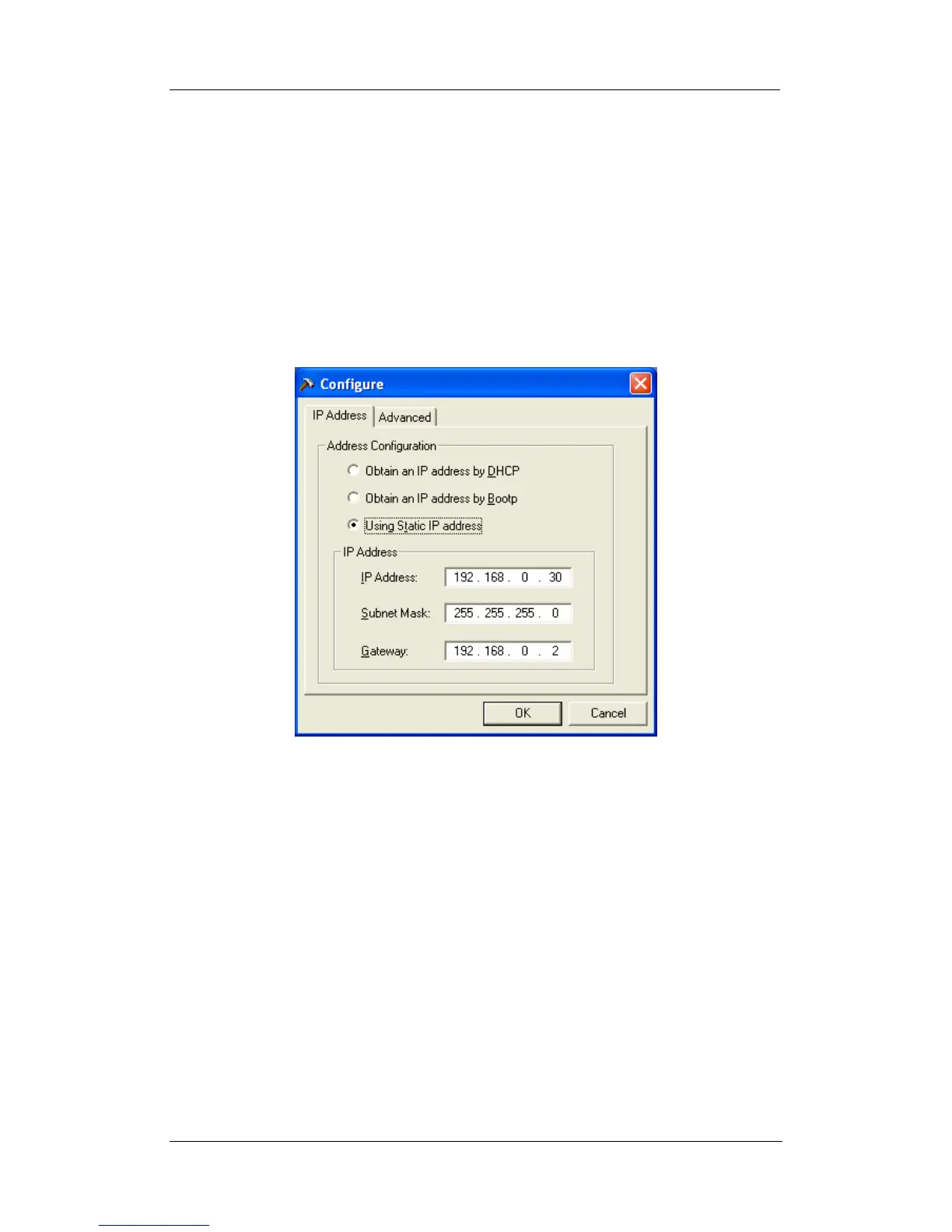
This will bring up the IP Address Configuration window. There are two tabs;
• IP Address
• Advanced (for port setting configuration)
2.3.1 IP Address
Use this section to set the IP Address of WebCAM.
When using WebCAM for the first time, it is advisable to choose the “Using Static IP
Address” option. For this option, the user will have to enter an IP Address, Subnet
Mask and Gateway of their choice (refer to Appendix C for IP address explanation).
Fig.9. IP Configuration: Set an IP Address for WebCAM
Once the IP Address is set, you will be able to connect to WebCAM webpage by
entering this IP Address into a standard browser.
“Obtain an IP address by DHCP or BOOTP”
The IP address, Subnet Mask and Gateway is acquired directly and assigned
automatically by the system.
2.3.2 Advanced
This section sets security password against unauthorised access to devices through
Utility.















 To Next Page