WebCAM user manual -45-
Chapter 5: Web Manager
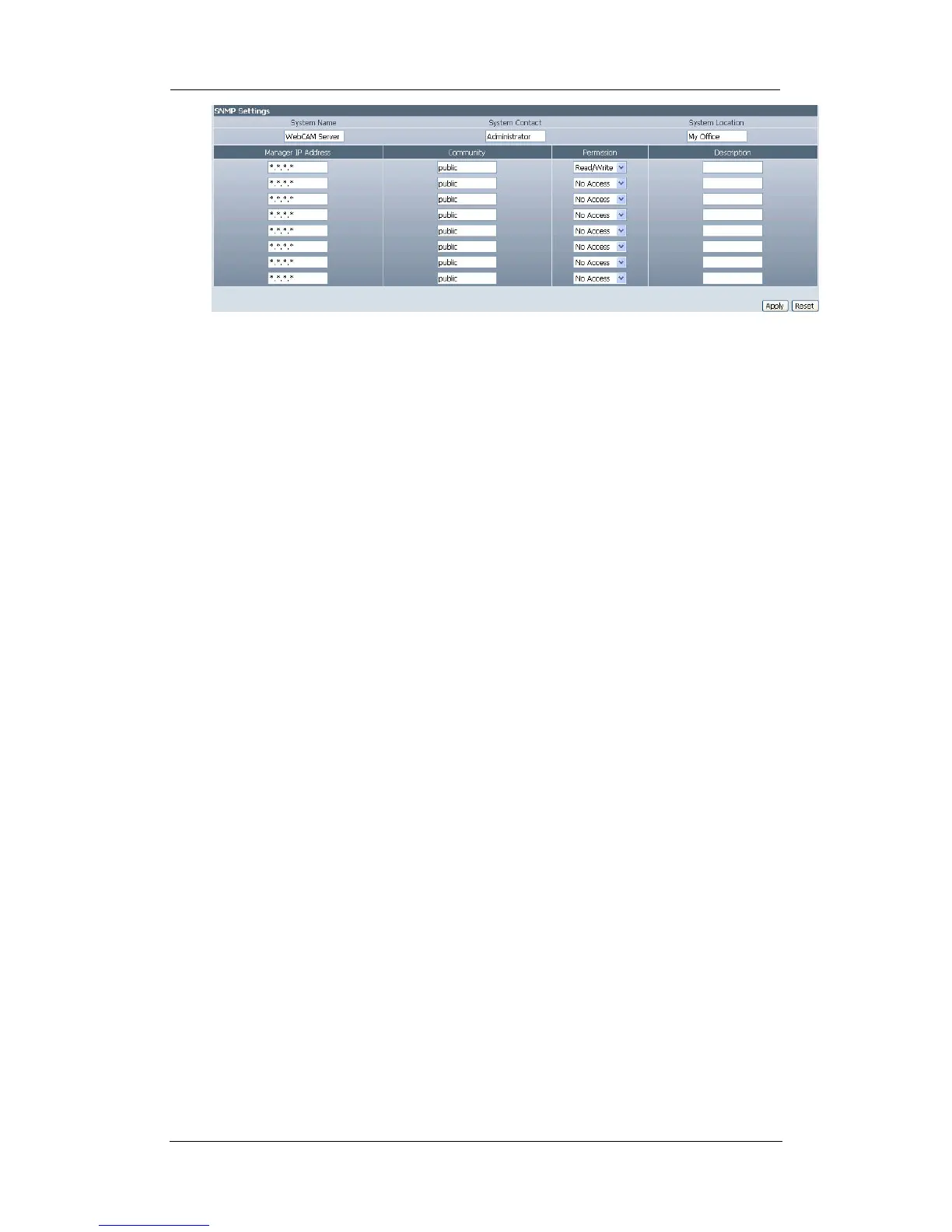
”System Name”
This is to give WebCAM a name identifiable in a SNMP network.
“System Contact”
This is to give the administrator a name.
“System Location”
This is to set WebCAM location.
“Manager IP Address”
This set the IP address where the administrator can manage WebCAM from. It
is valid for up to 8 IP addresses. To manage WebCAM from any IP addresses
leave it as *.*.*.*.
“Community”
This is to set a Community name for NMS. The community name has to be the
same as that set in NMS.
“Permission”
This is to set the administrator’s authority. Options are Read, Read/Write, and No
Access.
“Description”
This is for an administrator to make notes.
2.4.6 Image Server
The Image Server allows the user to view his camera directly from the internet without
having to set-up DDNS or Router’s NAT. All the user has to do is log on to the
Server’s webpage and register for free.
Once a username and password is registered and confirmed. The user can log into
this Server from anywhere in the world and access his camera.















 To Next Page