WebCAM user manual -53-
Chapter 6: MultiMonitor
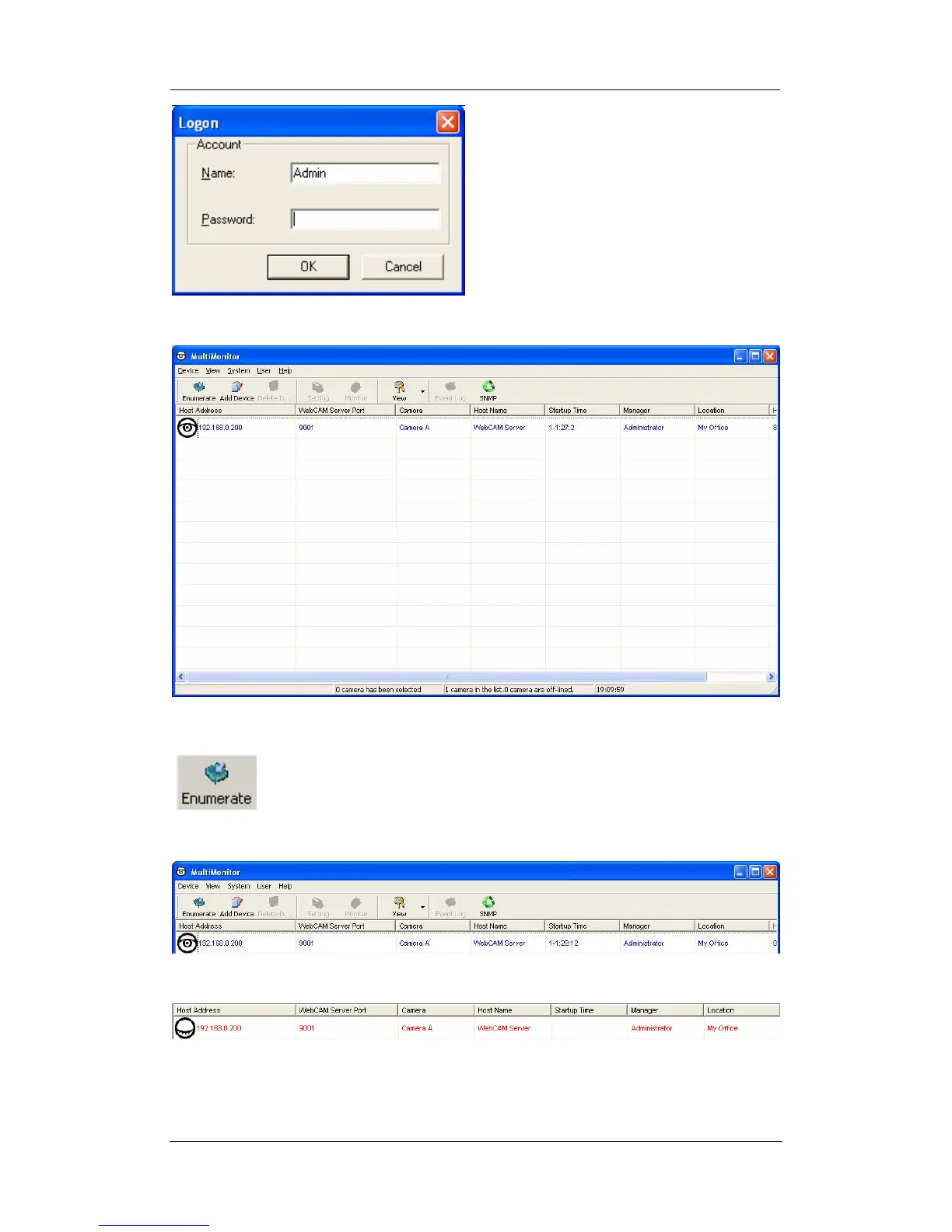
Just click “OK”, and MultiMonitor will start and the below window will open.
2.1 Device
: Start MultiMonitor and press the “Enumerate” button, MultiMonitor
will start a search for all the WebCAM on the network and list them
in the main window.
Once detected, the following will show in the main window:
This shows that the camera is online and active.
This shows that the camera is off-line















 To Next Page