WebCAM user manual -54-
Chapter 6: MultiMonitor
:
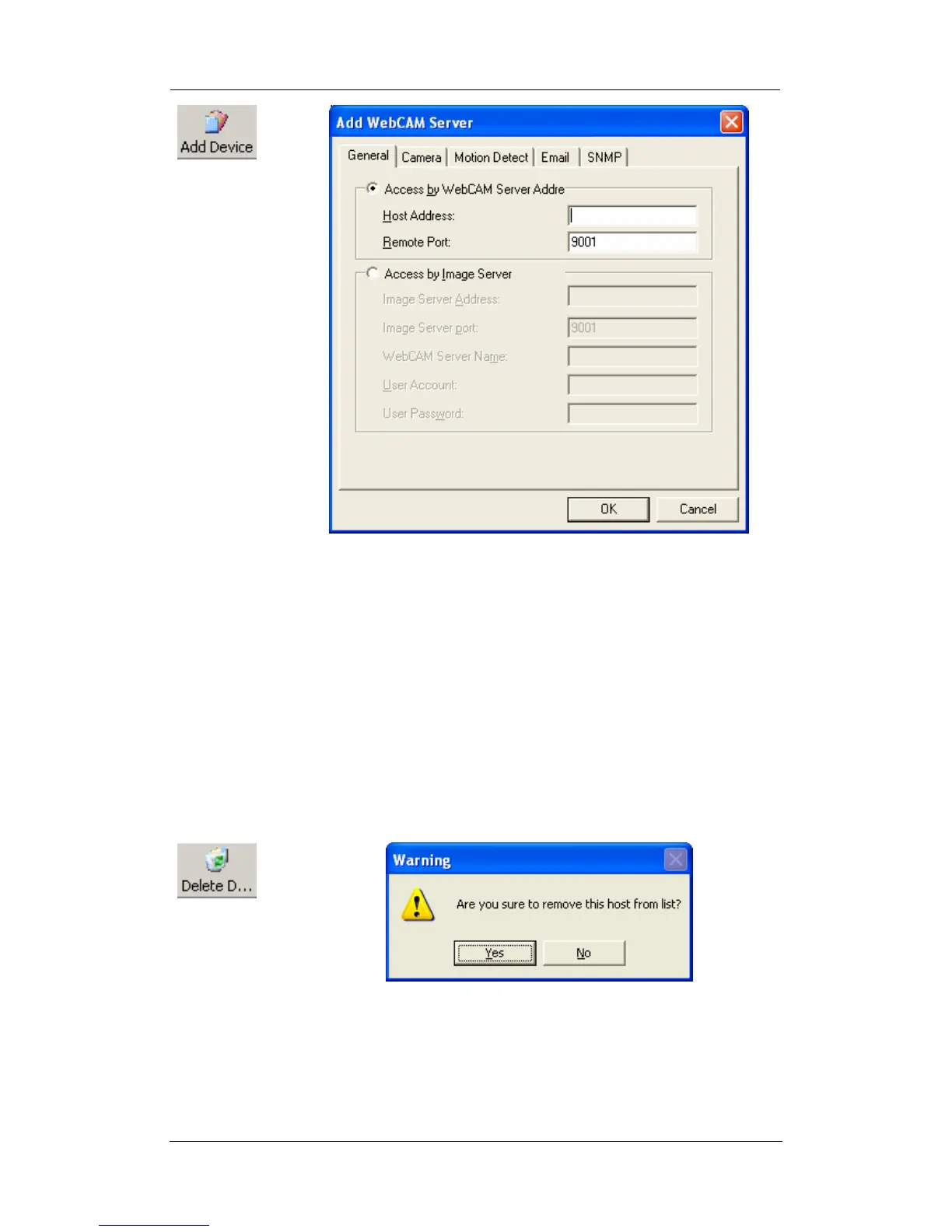
Manually adds the WebCAM to be monitored.
“Access by WebCAM Address”
Enter either the WEB, without the www (Example:
webcam.myddns.com) or LAN IP of WebCAM (example:
192.168.0.30)
“Remote Port”
This is WebCAM’s UDP port.
“Access by Image Server”. Enter the information as set in Section
2.4.6.
:
Highlight the WebCAM to be deleted from MultiMonitor’s list. Click
“Yes” to confirm deletion of selected WebCAM.















 To Next Page