WebCAM user manual -64-
Chapter 6: MultiMonitor
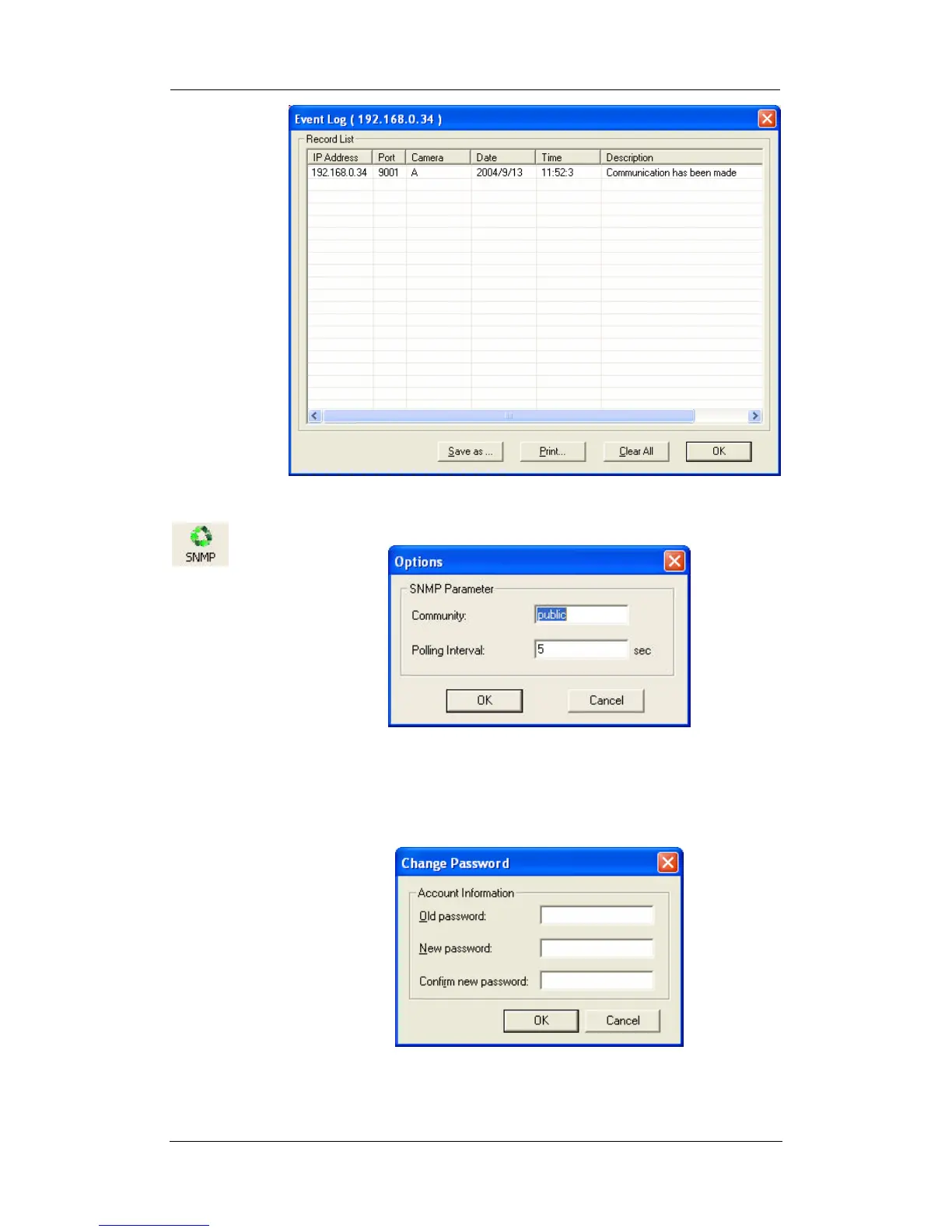
: Set the SNMP Parameter.
2.4 User
Change
Password
: “Change Password…” Use this feature to change the current
User login password to MultiMonitor. Both “Administrator” or
“User” can change their own Account passwords.
“Account Management…” Use this section to Add, Delete or
Change the Password of an Account.















 To Next Page