WebCAM user manual -46-
Chapter 5: Web Manager
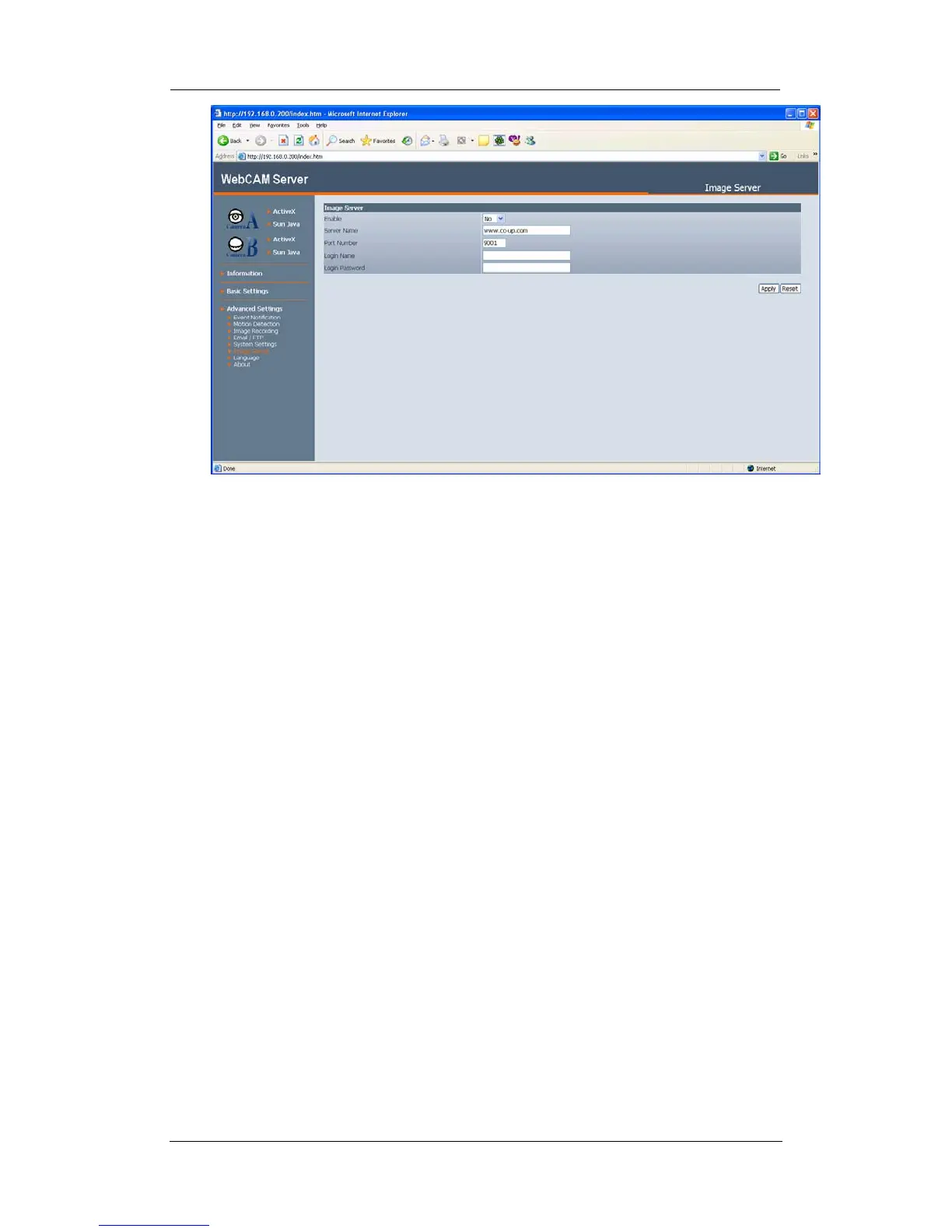
“Enable”
Choose “Yes” to enable this feature or “No” to disable.
“Server Name”
The current default web server is set to www.co-up.com
“Port Name”
This is the default port for image stream. User can change this UDP Port to their
desired or designated port number. If you intend to change, it must be done
prior to logging onto the Image Server.
“Login Name”
Enter your login name for your image server account. You only have to configure
this once.
“Login Password”
Enter your password. You only have to configure this once.
Click “Apply” to confirm all changes.
2.4.7 Language
Use this section is to set WebCAM Interface language.















 To Next Page