WebCAM user manual -43-
Chapter 5: Web Manager
iv. Email Address Book
Fig.38. WebCAM E-mail Address Book Entry
Enter an Email address in the box provided and click “Add Email Address”. The
new email address will be added to the list. The administrator can store up to 20
email addresses here. To delete an Email address, just press “Delete”.
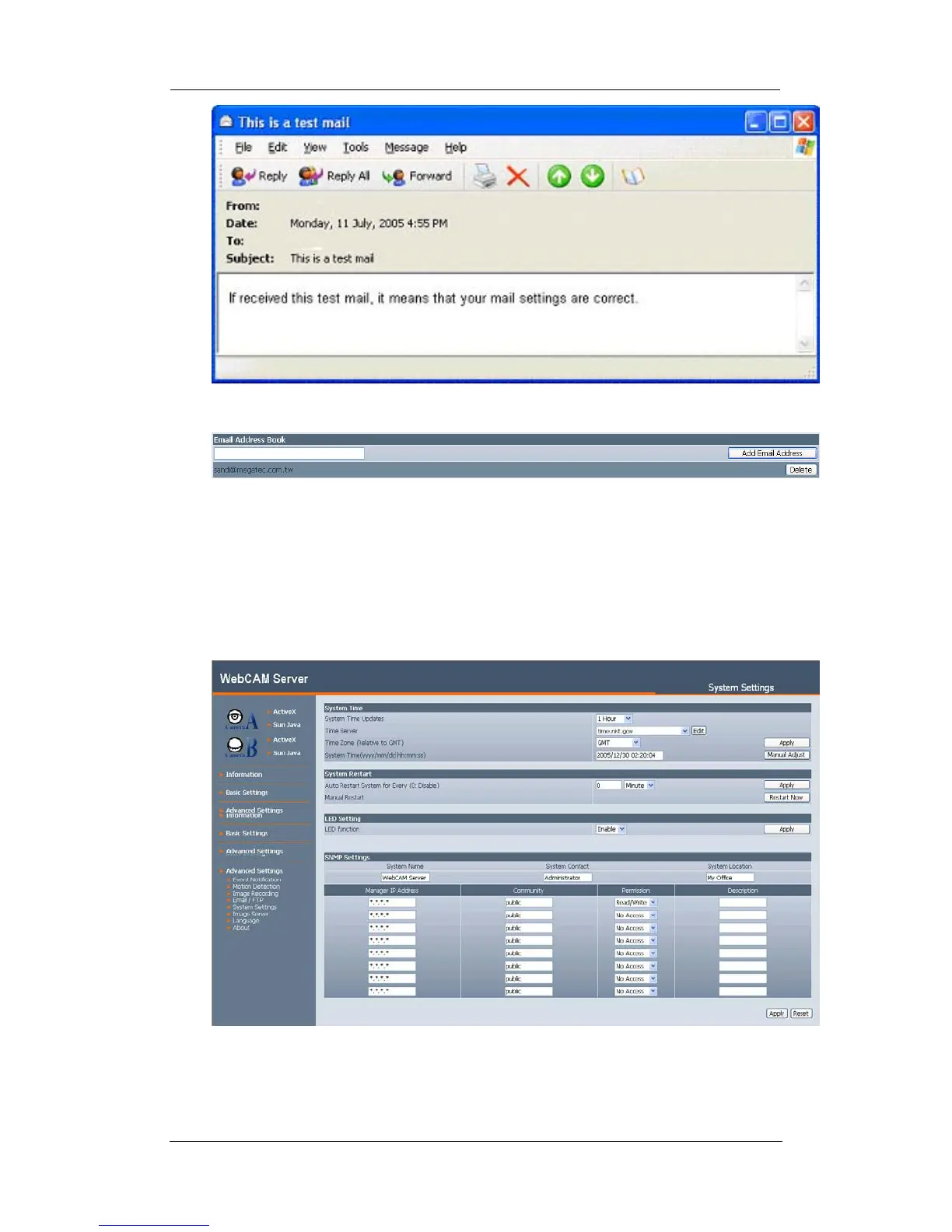
2.4.5 System Settings
This page allows the administrator to set WebCAM SNMP settings so it can be used
by a NMS (Network Management System) like MultiMonitor.
i. System Time















 To Next Page