WebCAM user manual -42-
Chapter 5: Web Manager
“Password”
Enter the password for the above account name.
Click “Apply” to save the above changes.
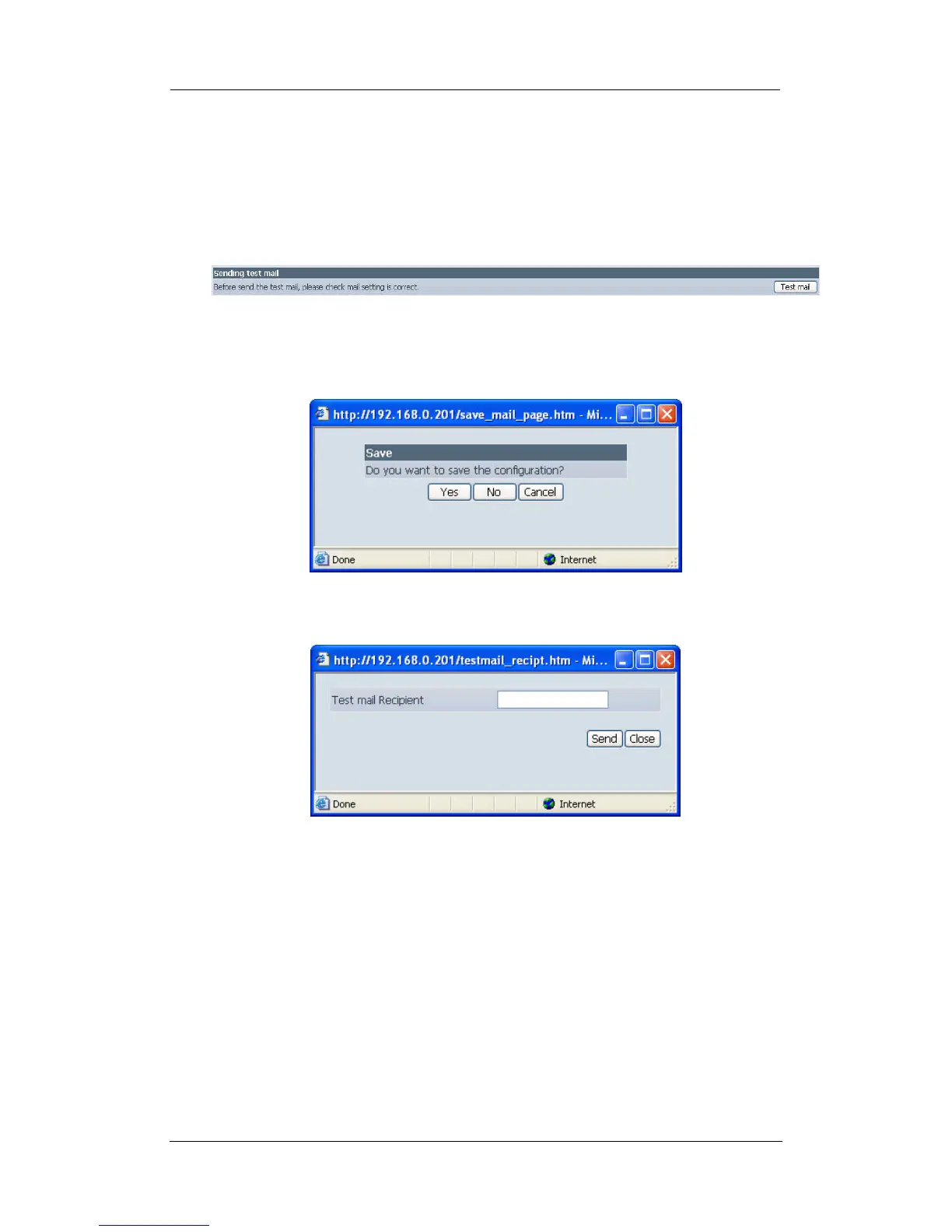
iii. Sending Test Mail
Fig.37. WebCAM test mail function
You must have the “Email Setting” section configured to proceed with “Test Mail”.
Once that is done click “Test Mail” and the following will appear.
Click “Yes” to confirm sending and the following window will appear.
Enter the “Test mail Recipient” email address and click ”Send”. If the Test Mail
is successful, you’ll receive the following email message;















 To Next Page