WebCAM user manual -41-
Chapter 5: Web Manager
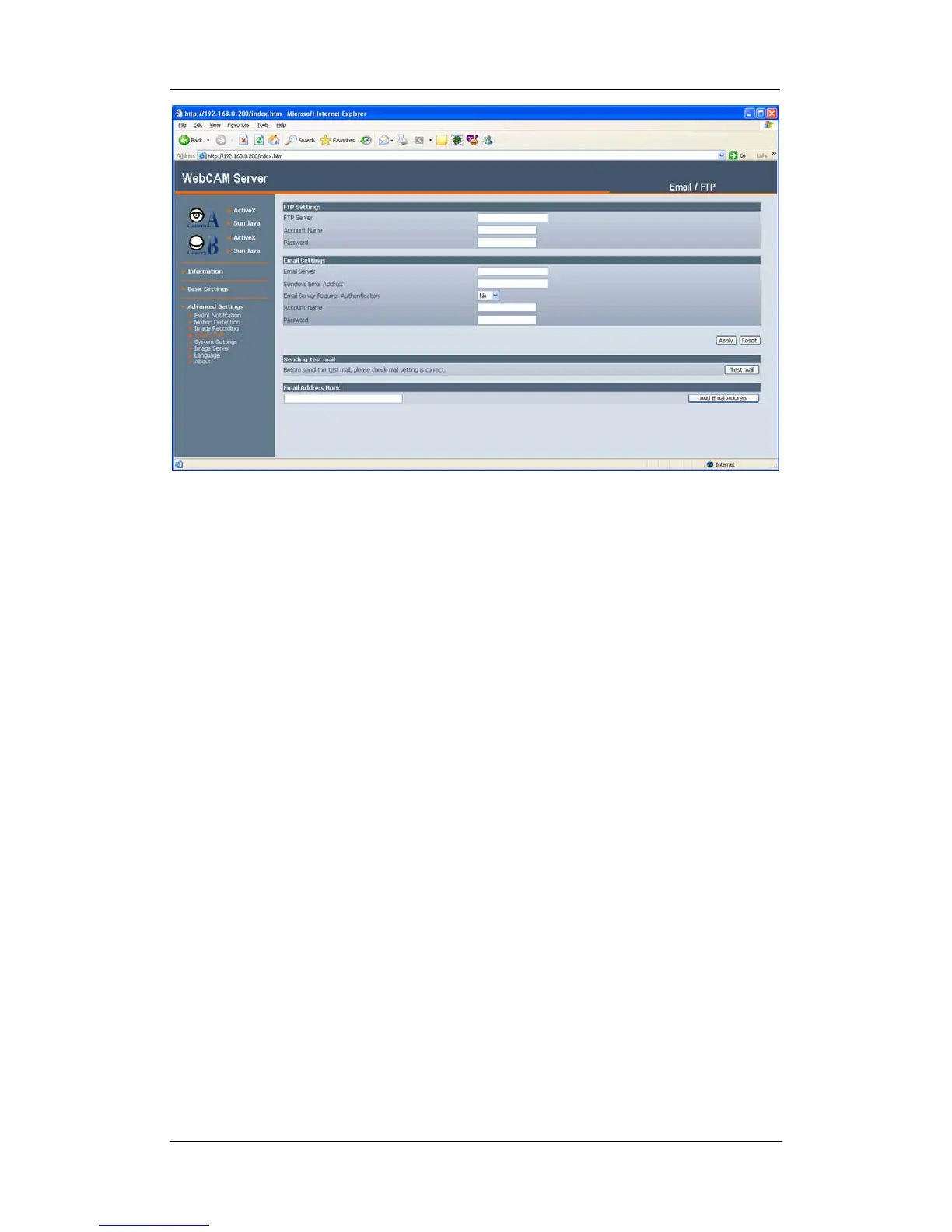
Fig.36. WebCAM Email / FTP Page
i. FTP Settings
“FTP Server”
The administrator will have to enter the FTP server address here.
“Account Name”
Enter the FTP account name here.
“Password”
Enter the corresponding password.
Click “Apply” to save the above settings.
ii. Email Settings
“E-mail Server”
The administrator will have to enter the Email server address here.
“Sender’s Email Address”
This will determines WebCAM’s Email address.
“Email Server Requires Authentication”
If set to “YES”, the administrator will have to provide the account name and
password in order to access the Email server. Otherwise, enter “NO”.
“Account Name”
Enter the account name or login name to the Email server.















 To Next Page