WebCAM user manual -39-
Chapter 5: Web Manager
2.4.3 Image Recording
Image recording allows the user to receive an image to either their email account or to
a FTP server. The images will be sent over a predetermined interval and a certain
period.
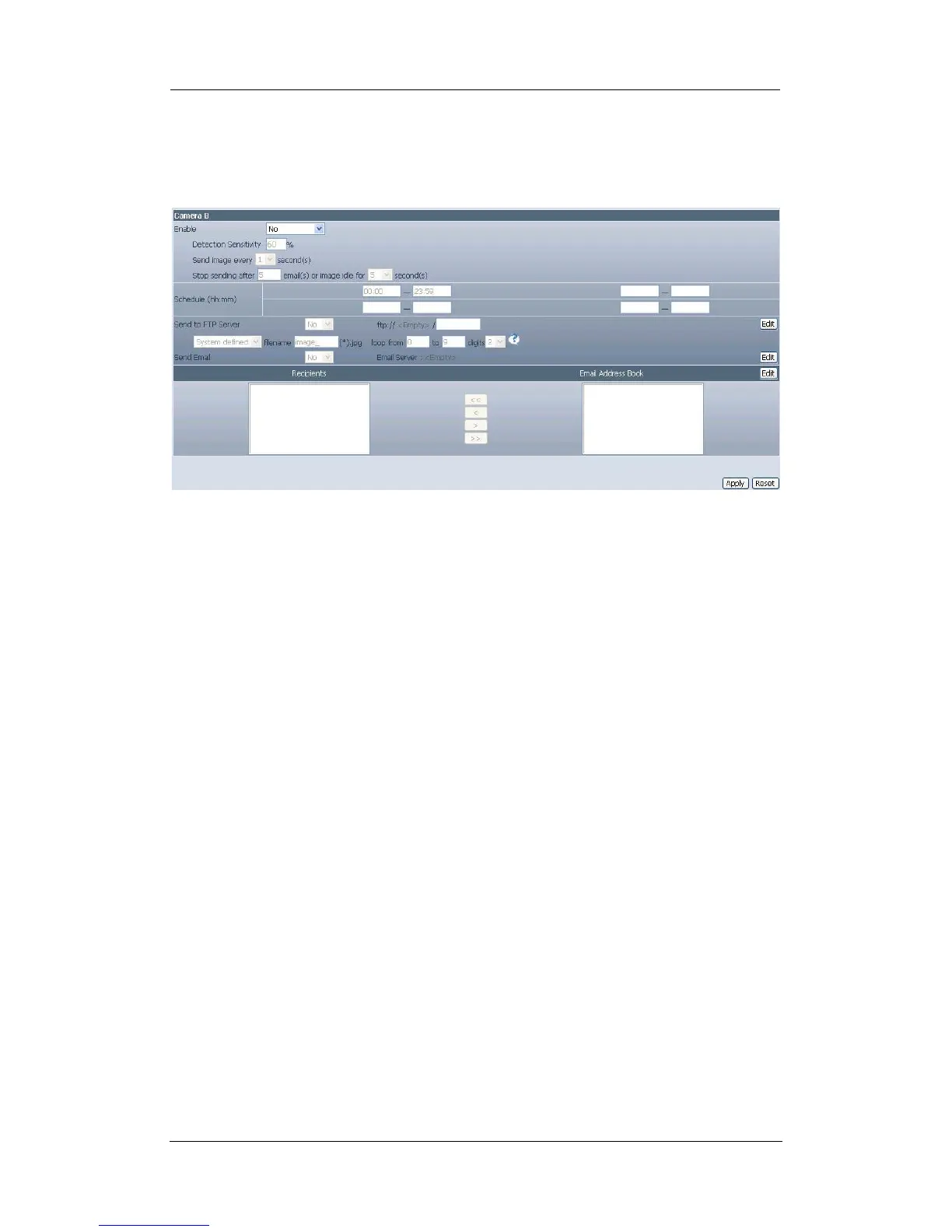
Fig.34. WebCAM Image Recording Page
i. Camera A (or Camera B)
“Begin – End (hh:mm)”
The administrator can determine up to 2 time slots when Image Recording is
active. The time is in 24hrs format.
“Send image every ## minute(s)”
The administrator can determine the exact interval at which WebCAM capture
and send an image. Choose among 1, 3, 5, 7 and 10 minutes.
“Send to FTP Server” & “Send Email”
This is similar to the function available in Motion Detection Page. Please refer to
section 2.4.2 for details.















 To Next Page