WebCAM user manual -47-
Chapter 5: Web Manager
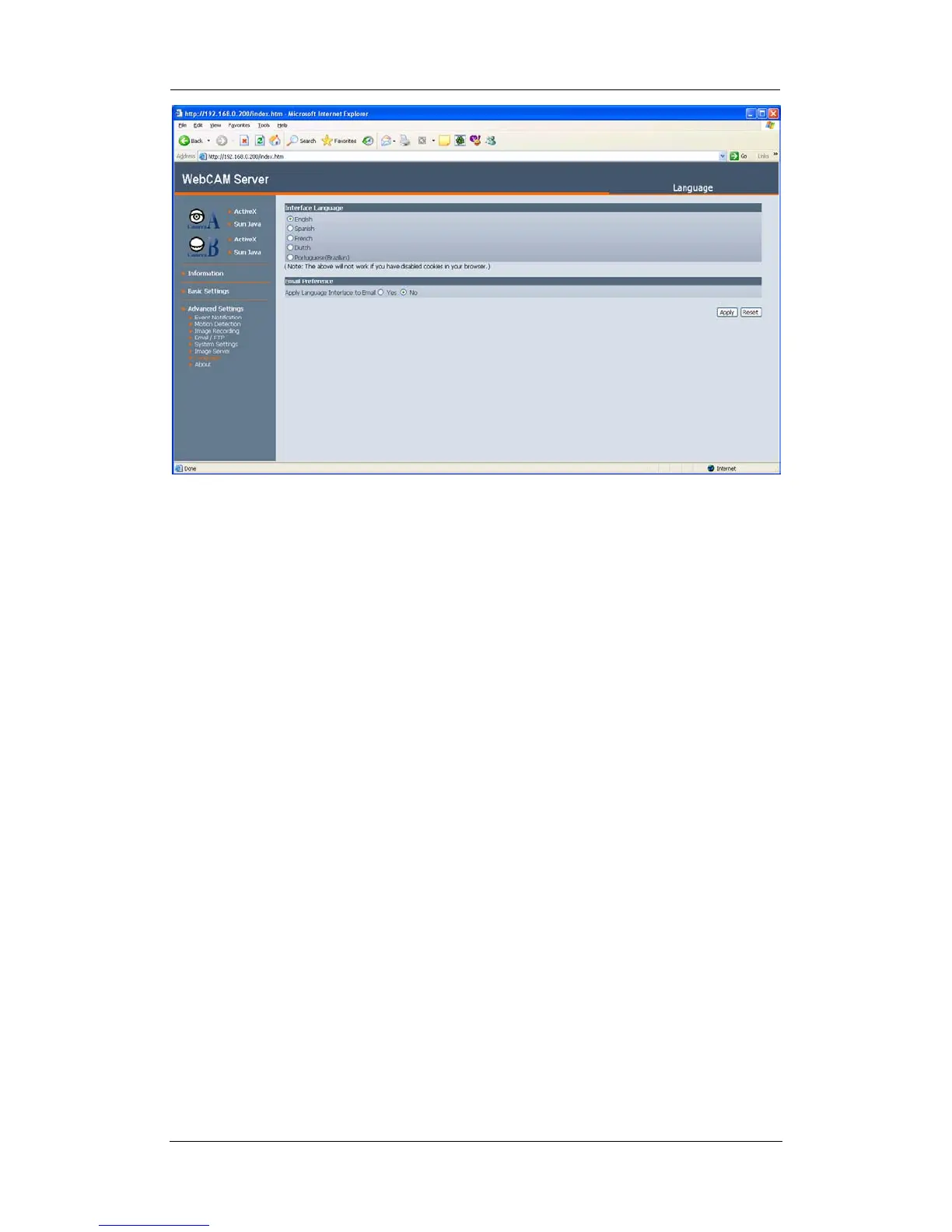
i. Interface Language
At the moment, the user can choose between; English, Spanish, French, Dutch,
and Portuguese.
ii. Email Preference
Check “yes” or “no” to apply the selected language to the email configured to be
sent on schedule.
2.4.8 About
The administrator can use this section to check firmware information, save/restore
settings, upgrade firmware and see manufacturer’s details.
i. About
This section gives crucial information about WebCAM’s Firmware Version,
Hardware Version and Serial Number. These are required information for
service calls.
ii. Save / Restore Settings
“Save current Configuration”
Click “Save” to save the current settings and configuration to your PC. The text
file will have a default format of YYYY_MMDD_####.cfg. The administrator can
change this, if necessary.
“Restore previous configuration”
This function is only available if a setting has been saved initially. Browse to the
location where the file is saved and click “Restore”
“Reset to factory default”
This function will reset all settings to its default value.















 To Next Page