WebCAM user manual -55-
Chapter 6: MultiMonitor
:
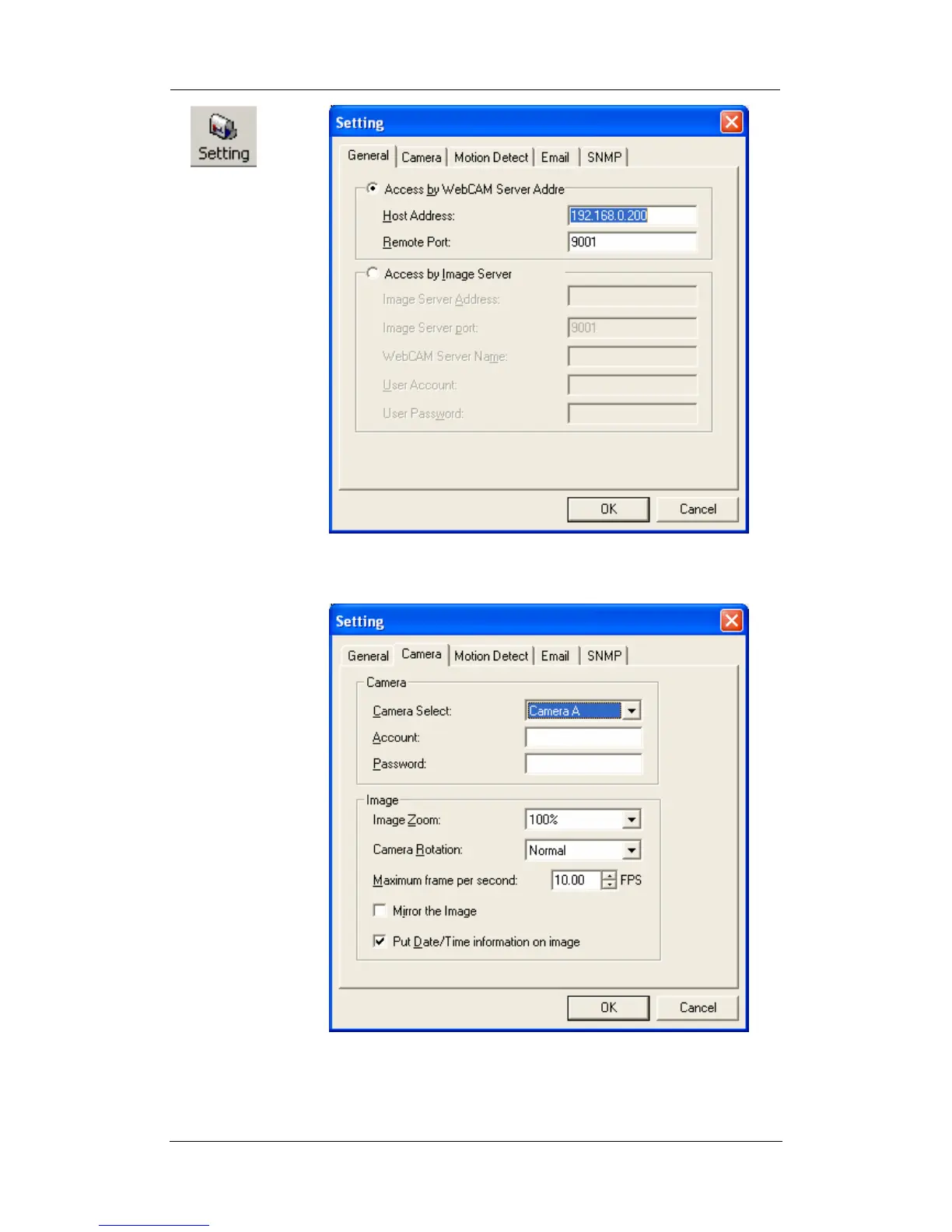
Use this function to change WebCAM Address & Port Number.
Display the current Camera settings.
Camera Select: Select either camera A or B
Account: If you have setup user account, the
information must be entered here.
Otherwise access will be denied.















 To Next Page