WebCAM user manual -61-
Chapter 6: MultiMonitor
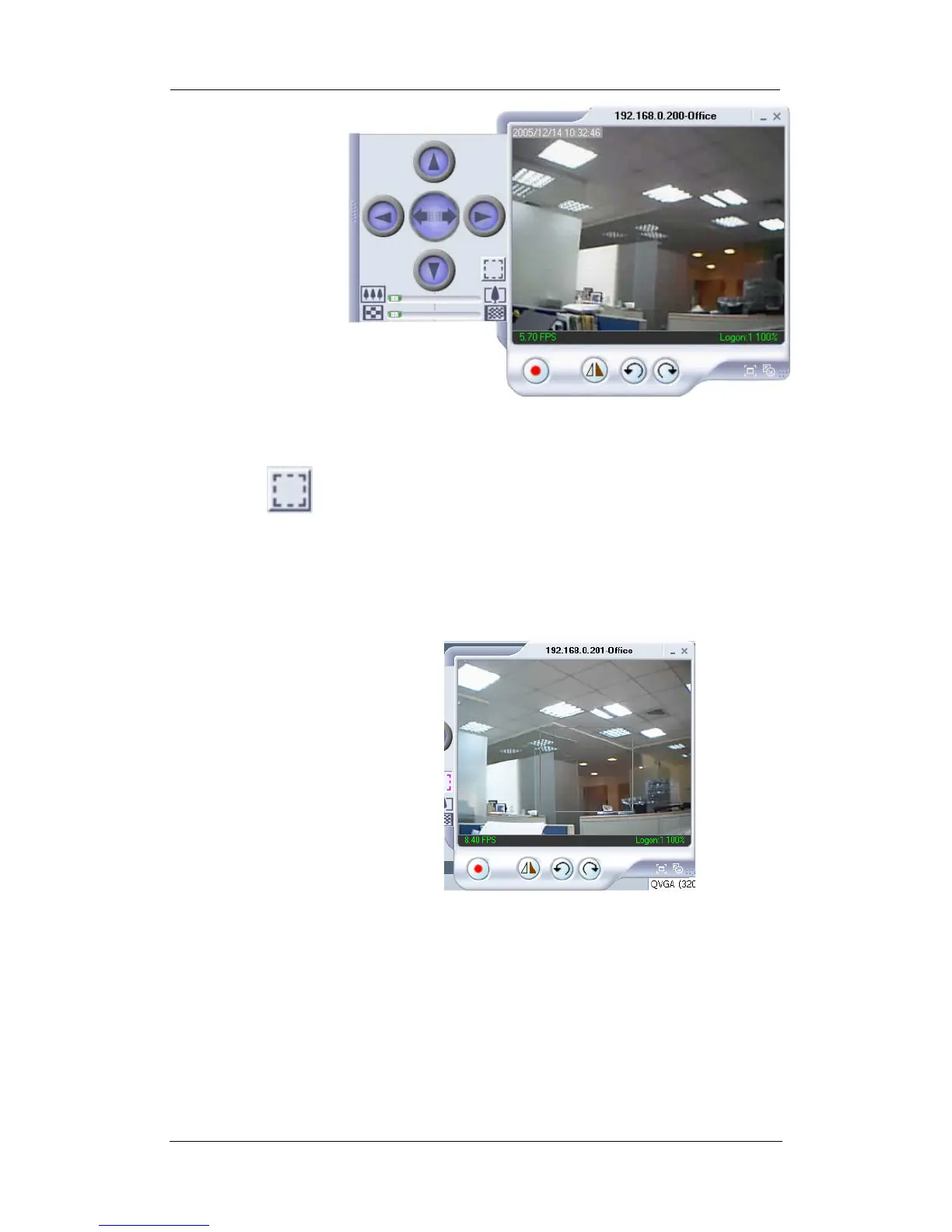
Click the left side of the viewing window to bring out more
control features.
Click on this icon to active two functions;
a. Custom window zoom – use this to zoom to your chosen
window size.
On the video window, LEFT click, hold and drag to the
desired window zoom size. A thin line will outline the
chosen window size.
Release to accept and the program will auto adjust.
Increase the Resolution for a better image.















 To Next Page