0258-0F1
Checking the Coated Papers that Can be Used
You can use the following sizes of coated papers with this printer.
Standard sizes A4, B5, A5, Legal, Letter, and Executive
Custom paper sizes
Width 76.2 to 215.9 mm, Length 127.0 to 355.6 mm
*
*
Coated paper of 210 to 220 g/m² cannot be printed using 2-sided printing.
*
When loading paper in portrait orientation (when using UFR II printer driver only): Width 127.0 to 215.9 mm, Length
127.0 to 215.9 mm
Loading Coated Paper
Coated paper can be loaded in the drawer or the Multi-purpose tray.
"Loading Paper in the Drawer"
"Loading Paper in the Multi-purpose Tray"
<Precautions when loading coated paper>
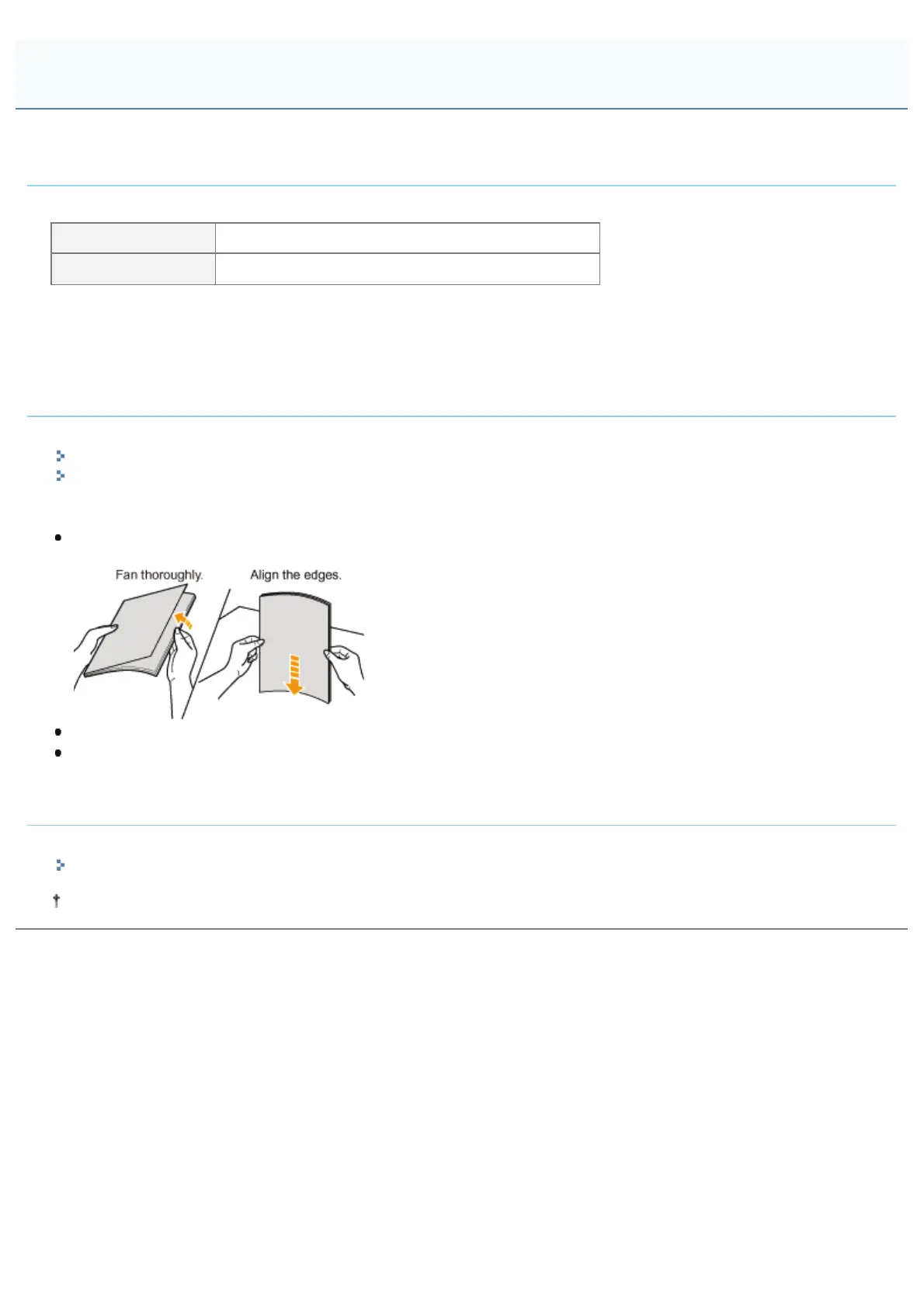
Fan the paper thoroughly and align the edges before loading it. If it is not fanned enough, multiple sheets of paper may
be fed at once, causing paper jams.
When fanning or aligning the paper, try to hold the edges to avoid touching the printing surface.
Take care not to mark or stain the printing surface of the paper with fingerprints, dust, or oil. This may result in poor
print quality.
Printing from an Application
After loading coated paper, run print.
"Configuring the Printer Driver and Printing"
The print speed may drop when printing coated paper.
Printing Coated Paper
㻞㻜㻝㻌㻛㻌㻥㻥㻤



 To Next Page