0258-0SW
Stored jobs can be deleted automatically by setting a length of time to pass between storing of the jobs and their deletion.
This setting is made using the Remote UI.
1
Start the Remote UI, and then log in as Administrator.
"Starting the Remote UI"
2
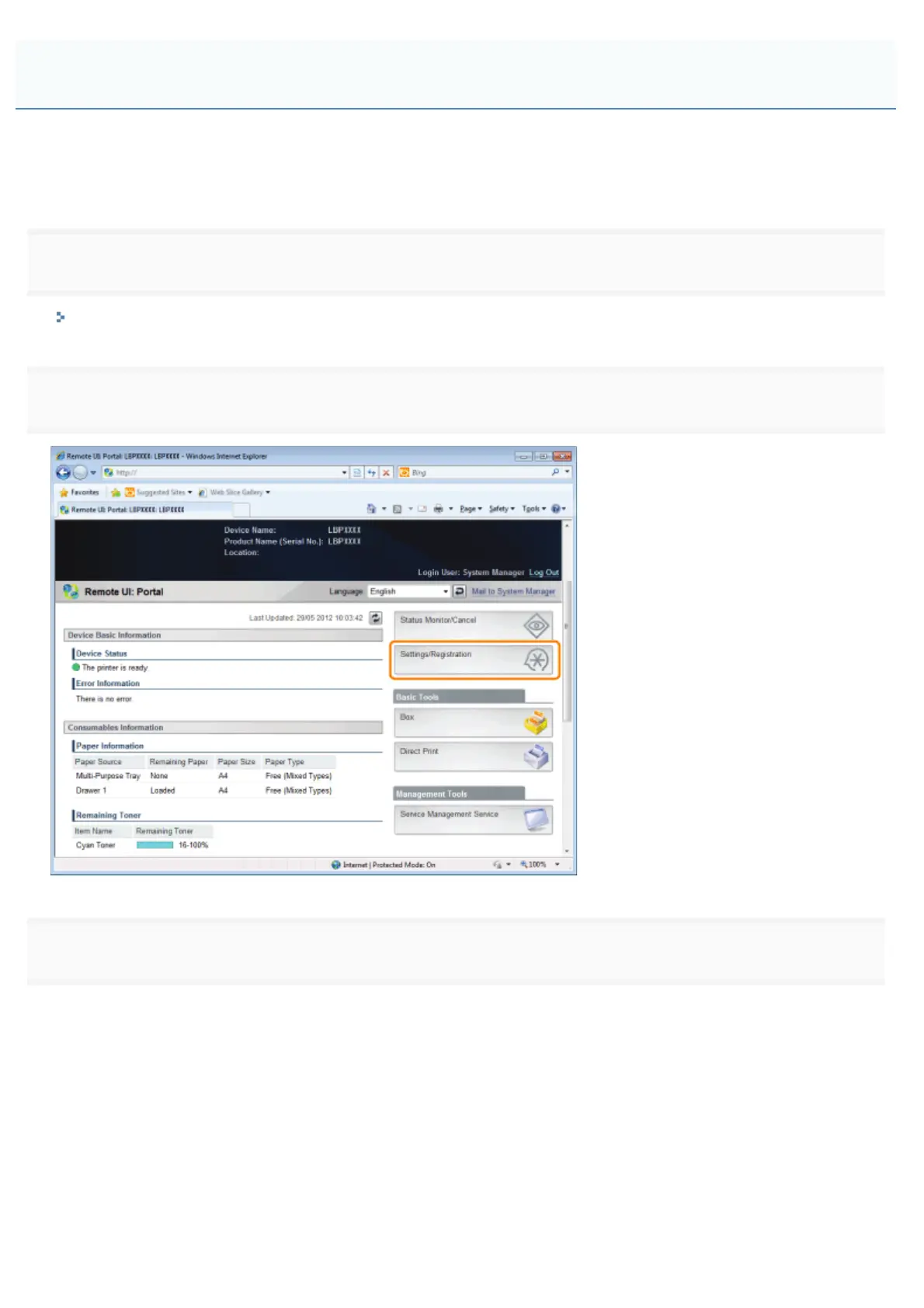
Click [Settings/Registration].
3
Select [Control Menu] from the [Preferences] menu.
Automatically Deleting Files Stored in a Box
㻟㻡㻞㻌㻛㻌㻥㻥㻤



 To Next Page