0258-0E8
Perform one of the following solutions according to the cause.
<Cause 1> The drum in any of the toner cartridges has deteriorated or is damaged.
Solution
Replace the toner cartridge with a new one.
"Toner Cartridge Replacement"
<Cause 2> A problem is occurring inside the printer.
Solution
If <Ennn-nnnn> appears in the display, follow the procedure in "The Service Call <Ennn-nnnn> Appears in
the Display ("n" Represents an Alphanumeric Character)" in "The Message Indicator Is On" to solve the
problem.
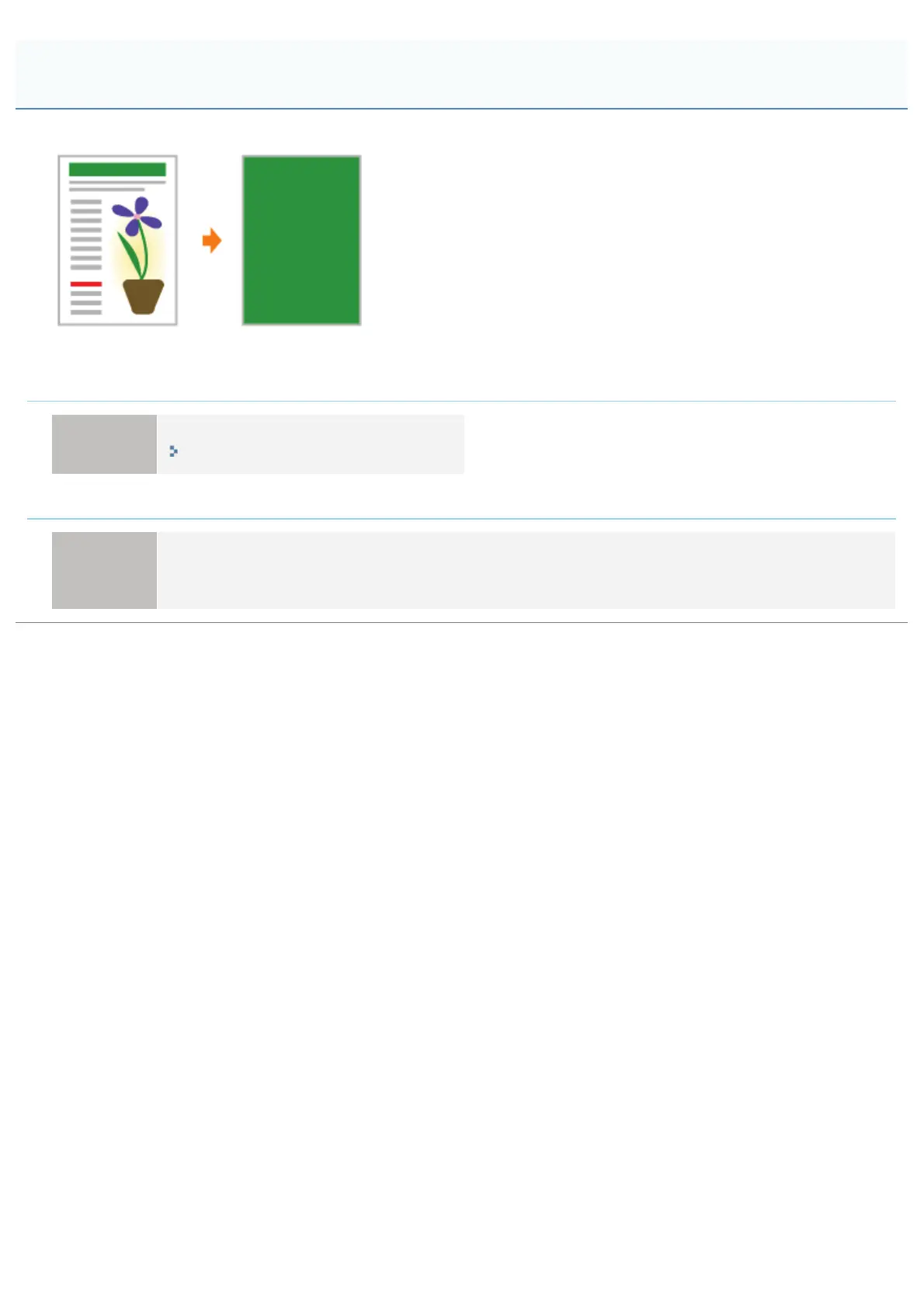
The Overall Surface of the Paper Is Printed in a Particular Color
㻥㻢㻞㻌㻛㻌㻥㻥㻤



 To Next Page