0258-0R2
Perform the following procedure.
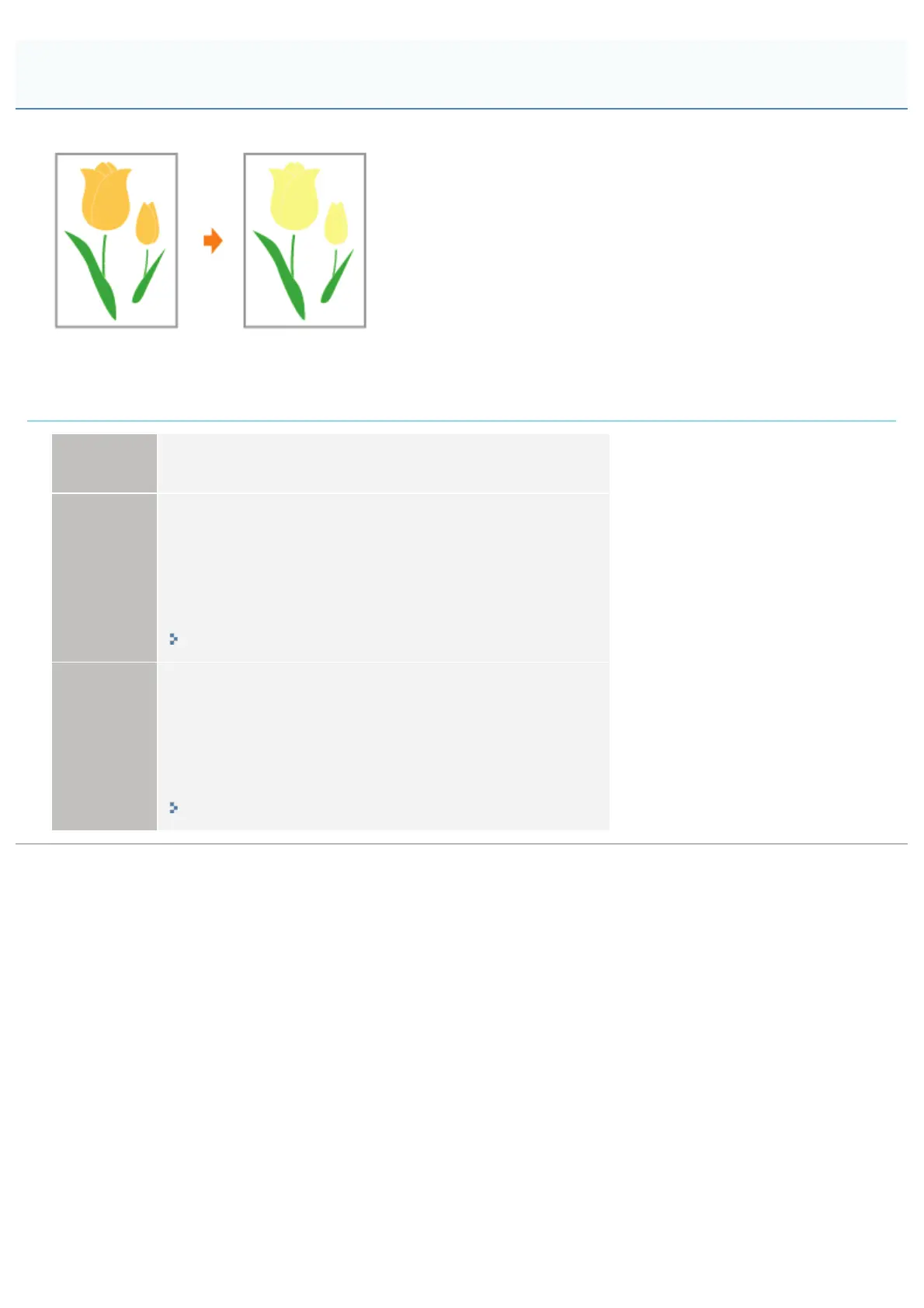
<Cause> The shaded pattern of the print data and the dither pattern of the printer are
interfering with one another.
Solution 1
Print again without specifying a shaded pattern in the application.
See the instruction manual supplied with the application.
Solution 2
Perform the following procedure in the printer driver.
1. Display the [Quality] sheet.
2. Click [Advanced Settings].
3. Set [Halftones] to [Gradation].
You can specify the same setting from the printer's control panel.
"[Setup] Menu ([Quality] Options)"
Solution 3
Perform the following procedure in the printer driver.
1. Display the [Quality] sheet.
2. Click [Advanced Settings].
3. Set [Halftones] to [Error Diffusion].
You can specify the same setting from the printer's control panel.
"[Setup] Menu ([Quality] Options)"
Shaded Patterns Are Not Printed in the Correct Color (Specified Color)
㻥㻡㻜㻌㻛㻌㻥㻥㻤



 To Next Page