0258-05A
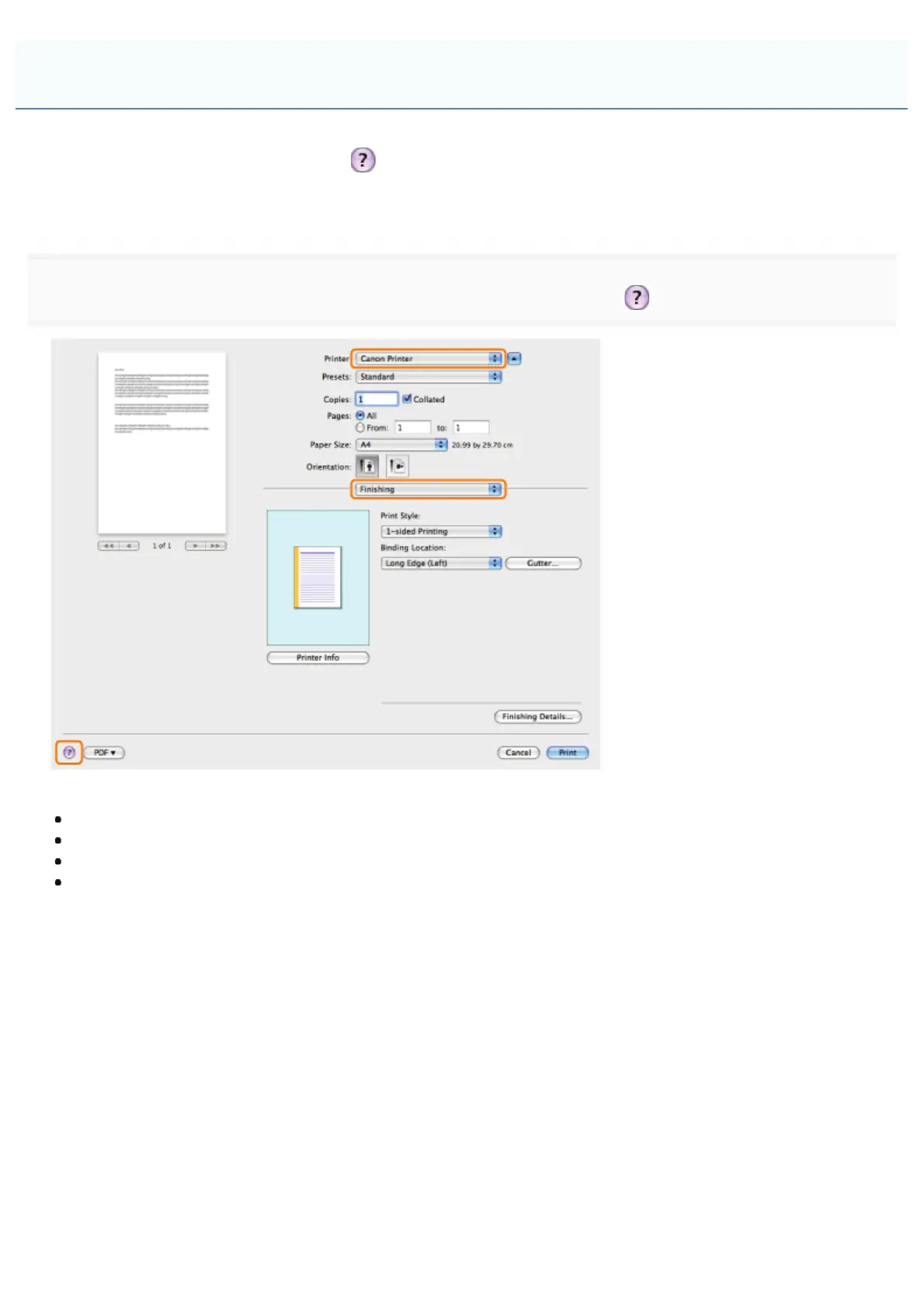
You can display the online help by clicking [ ] in the [Page Setup] dialog box or the [Print] dialog box.
The online help includes additional information about every printing option. If this manual does not provide the information
you need, see the online help.
1.
].
Select one of the following preferences panes:
[Paper Source] preferences pane
[Finishing] preferences pane
[Quality] preferences pane
[Special Features] preferences pane
The online help is displayed.
Viewing the Online Help
㻞㻡㻤㻌㻛㻌㻥㻥㻤



 To Next Page