0258-0RJ
Perform one of the following solutions according to the cause.
<Cause 1 > Here is data remaining in the memory. (The Job indicator is on.)
Solution
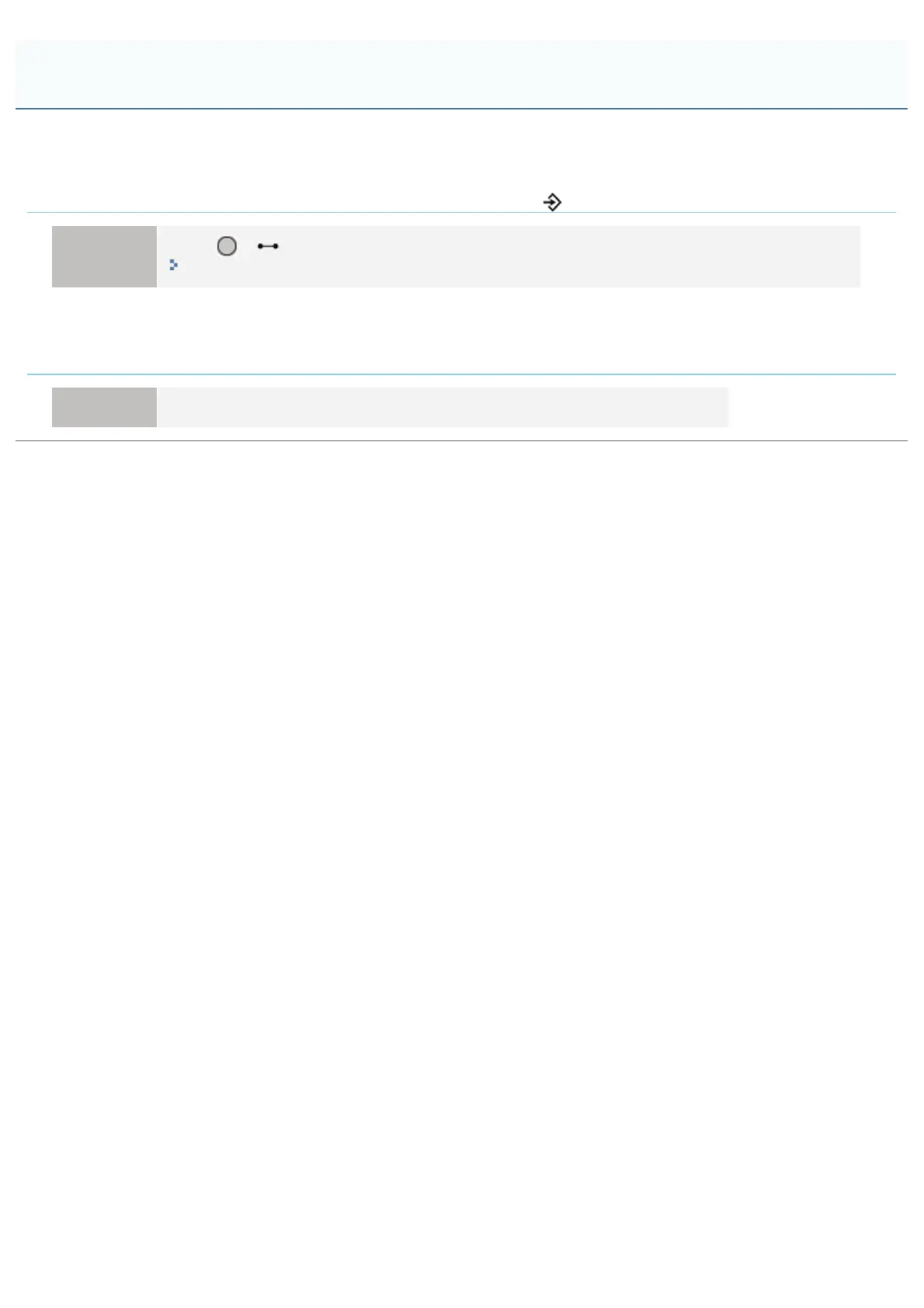
Press [
] ( : Online) to place the printer offline, and then select [Form Feed] in the Reset menu.
"Outputting Data (Forced Output)"
<Cause 2> The keylock function is enabled. (The "Pi" alarm sounds when the key is pressed
and <Key locked.> appears in the display.)
Solution Disable the keylock function from the Remote UI. Contact the printer administrator.
The Keys on the Control Panel Do Not Function
㻥㻣㻜㻌㻛㻌㻥㻥㻤



 To Next Page