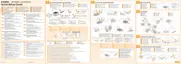
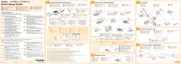
* <Toner Color> is displayed as C (cyan), M (magenta), Y (yellow) or K (black).
When the toner is low, whether "16 <Toner Color> toner cart. will soon reach lifetime." or "<Toner Color> toner
cartridge will soon reach end of lifetime." will be displayed depends on the "Warning Step" setting under the Setup
Menu. The printer's default settings are set so that "16 <Toner Color> toner cart. will soon reach lifetime." is displayed.
See "[Setup] Menu ([Control Menu] Options)" for details on the "Show Warnings" settings.
㻢㻠㻌㻛㻌㻥㻥㻤



 To Next Page