6
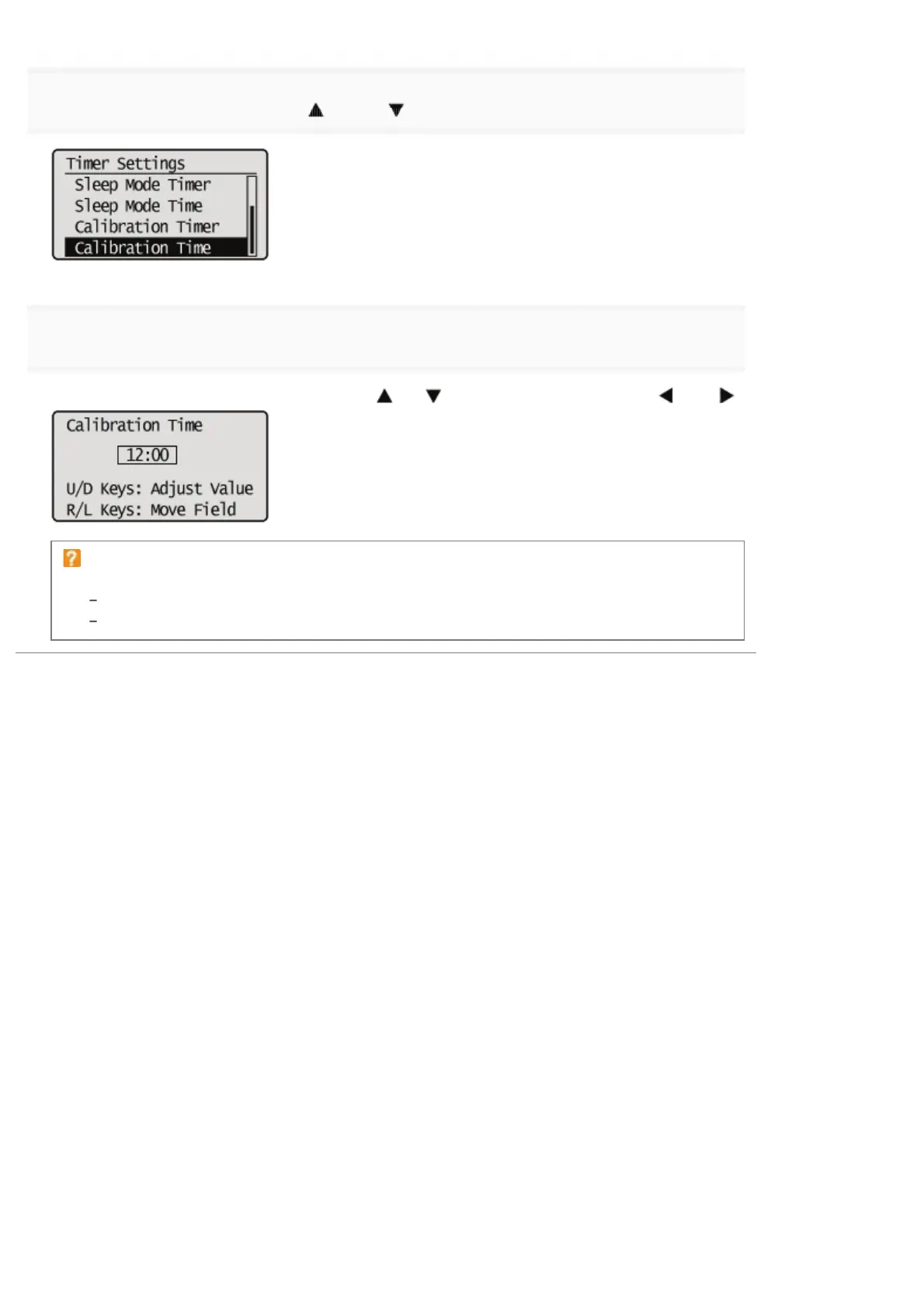
Select [Calibration Time] using [ ] and [ ], and then press [OK].
7
Set the time for calibration to be performed automatically, and press [OK].
You can increase or decrease the value using [
] or [ ], and move the position using [ ] and [ ].
If calibration is not automatically performed
In the following cases calibration will not be performed even if [Calibration Timer] is set to [On].
When it is receiving data and printing
When operating the control panel
㻤㻣㻌㻛㻌㻥㻥㻤


 To Next Page