Chapter 3
3-9
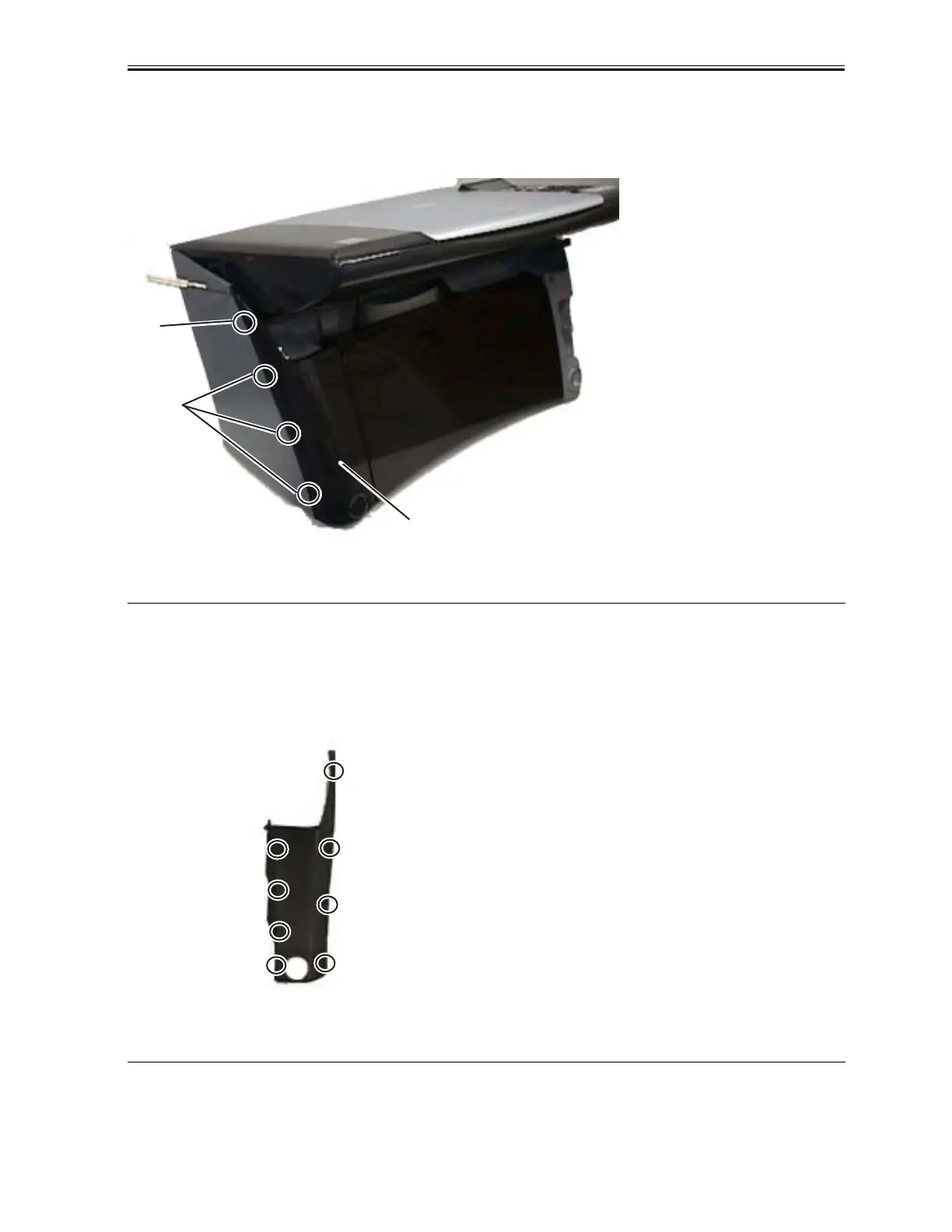
the left side cover. Exert an outward pressure by twisting the screwdriver to detach the claw (f). Detaich 3 claws
(g) in descending order and remove the left front cover.
F-3-6
Reference
The left front cover has 8 claws. The remaining nails will unhook by themselves after detaching outer claws in step
5. Please refer to the below image for the position of claws (view of the reverse side).
F-3-7
(6) Insert two precision flat bladed screwdriver into holes on the both sides of Paper output tray open button. Remove
f
g
Left Front Cover
Download Service Manual And Resetter Printer at http://printer1.blogspot.com



 To Next Page