75
Chapter 4 Operating Procedures
6. Press [Start] to start scanning.
Scanning stops after the document has been scanned.
• If [Send the files immediately after scanning] is set to [ON] in
Send Settings of the Scan / Send Settings screen, scanning
ends without displaying the continue to scan confirmation
screen, and the address confirmation screen of Step 10
appears.
• When the confirmation message is left displayed and the
scanner transitions to Low Power Mode, all of the data
scanned up until that point is discarded. (See “Adjust the wait
time until the Low Power Mode.” on p. 152.)
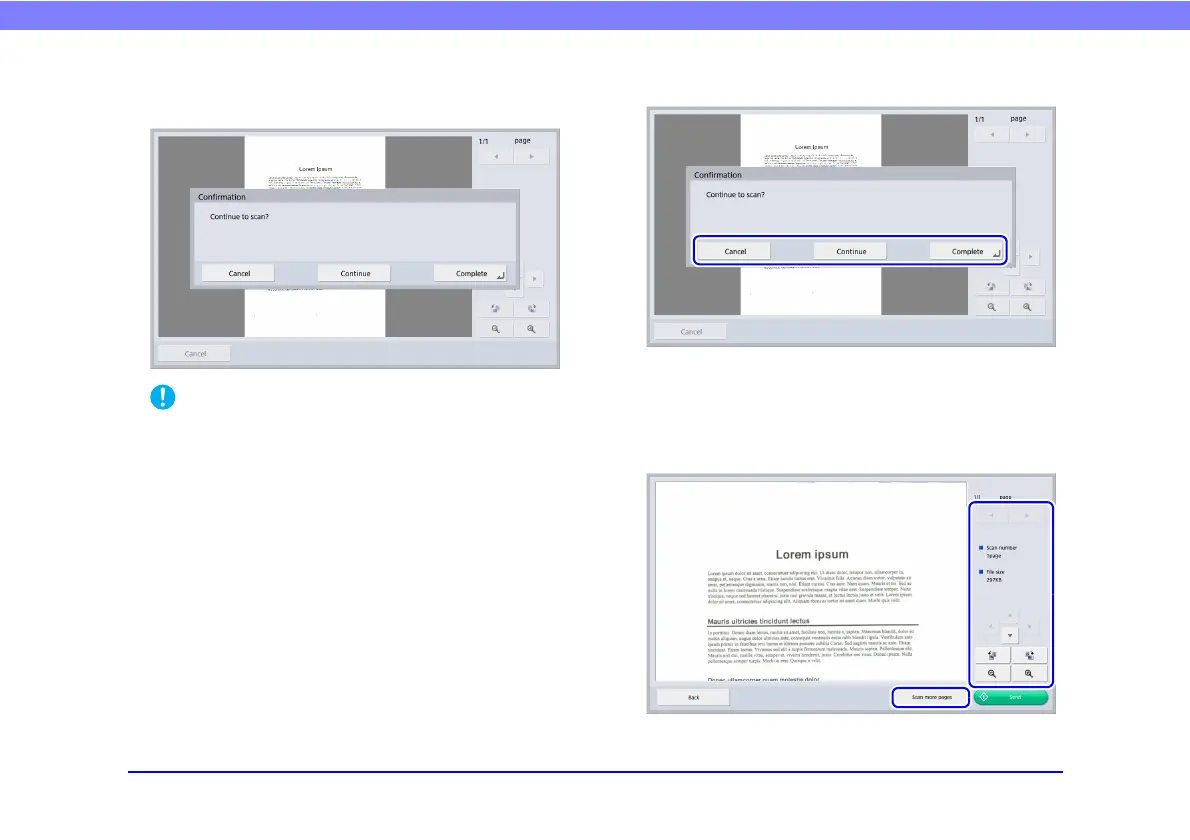
7. Check the document and go to the next step.
• Press [Complete] to go to the Send screen.
• Press [Continue] to resume scanning.
• Press [Cancel] to cancel the scanned images and return to the
Scan / Send Settings screen.
8. Check the scanned images.








 To Next Page