76
Chapter 4 Operating Procedures
: Display the image of the next page.
: Display the image of the previous page.
: Move the viewing area around an image
when an enlarged view of the image is
shown.
: Rotate the image 90 degrees counterclockwise.
: Rotate the image 90 degrees clockwise.
: Enlarge the image.
: Reduce the image.
Rotations and size modifications will be applied to all scanned
images that can be displayed in the Send screen.
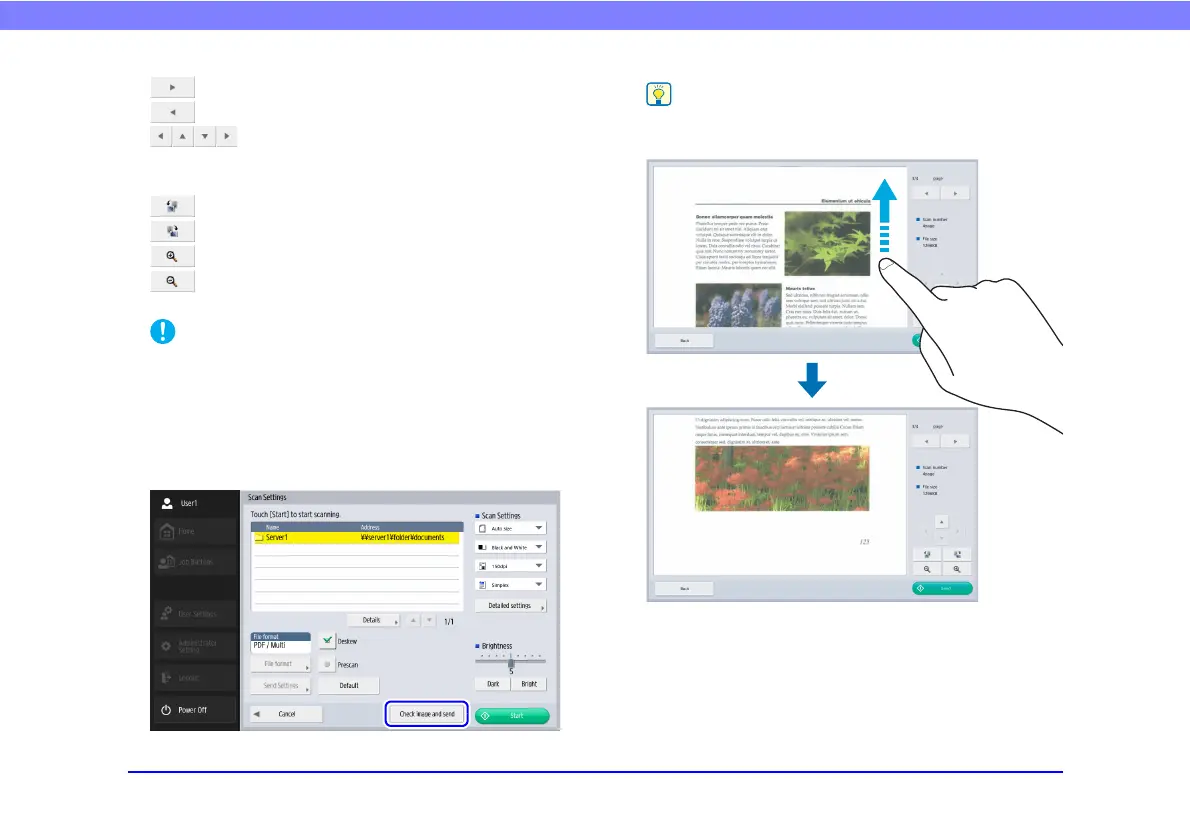
• When you press [Scan more pages], the [Scan Settings]
screen appears, allowing you to change scan conditions. After
changing the settings, press [Check image and send] to return
to the Send screen.
When the preview image is enlarged, you can drag your finger
on the image to scroll.








 To Next Page