77
Chapter 4 Operating Procedures
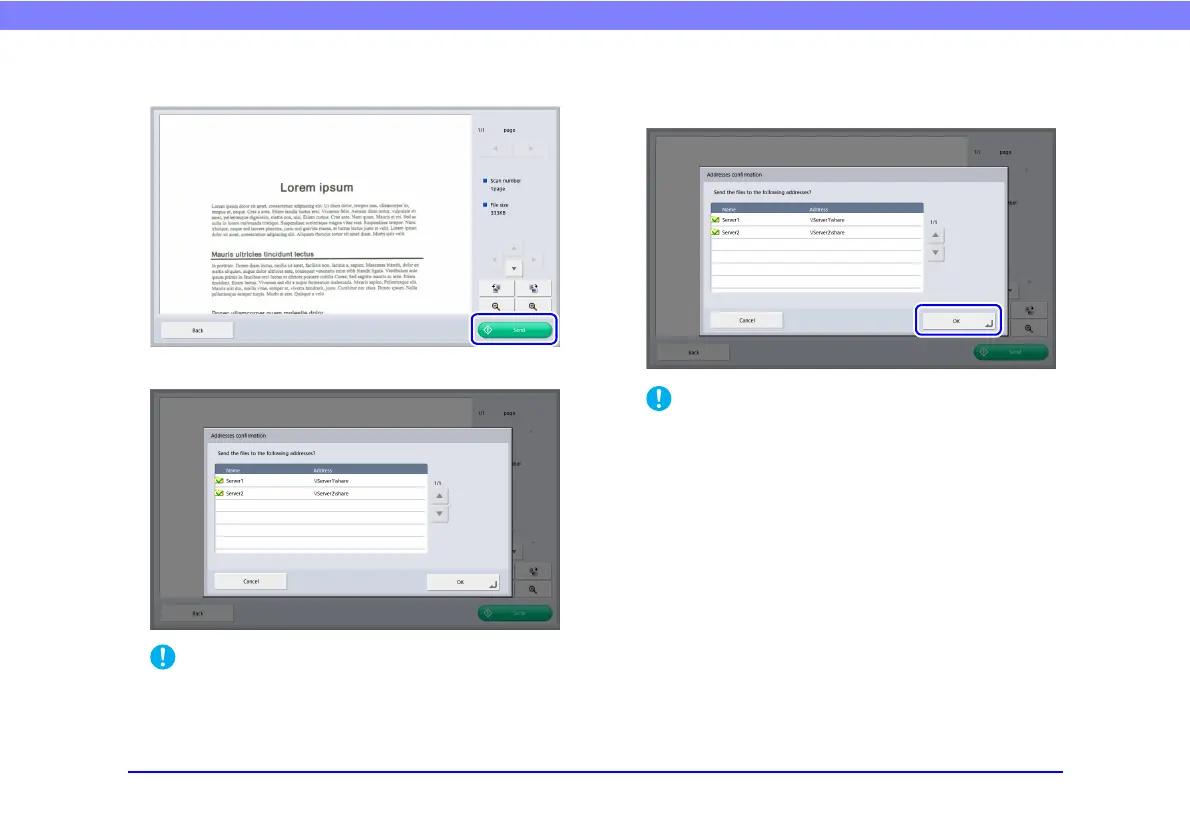
9. Press [Send].
The address confirmation message appears.
If [Confirm addresses before sending] is set to [OFF] in Send
Settings of the Scan / Send Settings screen, the image is sent
without displaying the address confirmation screen and the
operation ends.
10.
Confirm the address and press [OK] to send the
scanned image.
If a send error message appears, check the address settings
and send destination and try again.
11.
Returns to the screen set for [Screen after sending]
in Send Settings of the Scan / Send Settings screen.








 To Next Page