20
Selecting the Communication Method and LAN Type
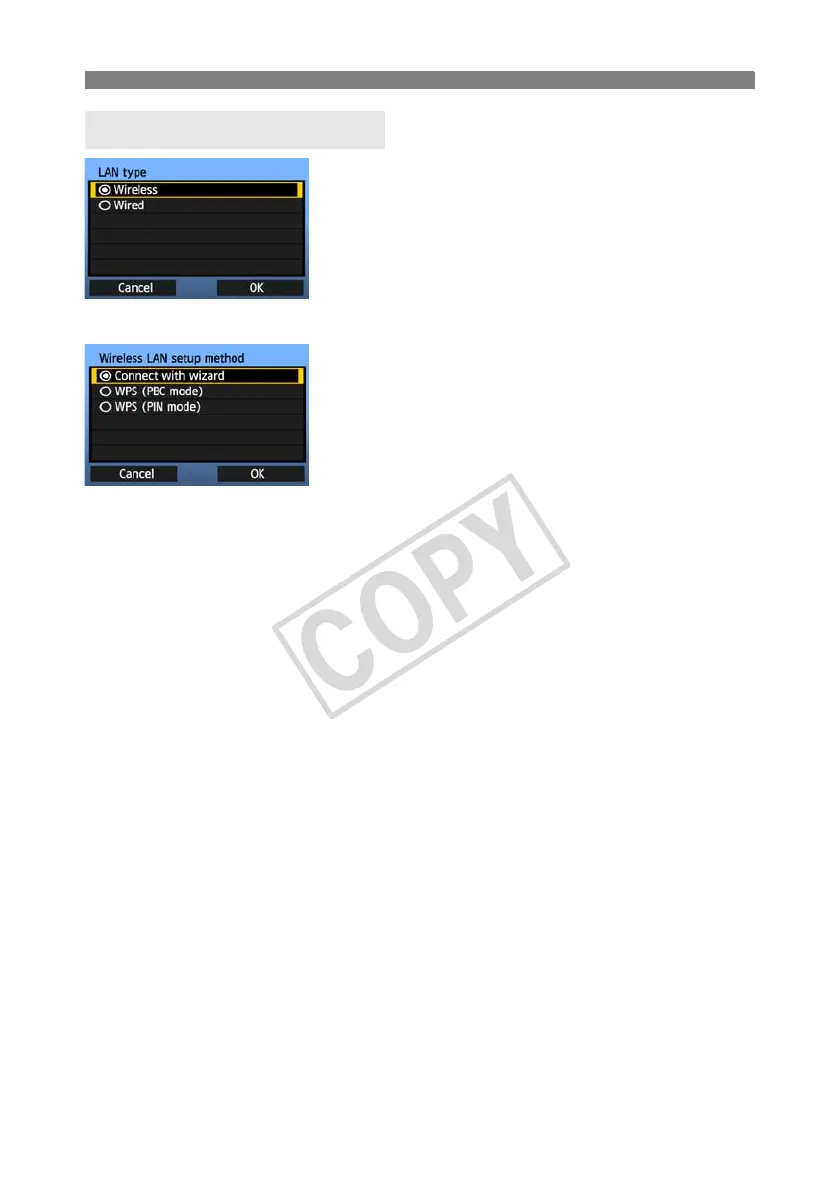
Turn the <5> dial to select the type of LAN, and
then press <0>.
Select [OK] and press <0> to go to the next
screen.
Wireless LAN
The [Wireless LAN setup method] screen is
displayed.
[Connect with wizard]: See p.21
[WPS (PBC mode)]: See p.23
[WPS (PIN mode)]: See p.24
Select [WPS (PBC mode)] or [WPS (PIN mode)]
when using a wireless LAN device compatible with
Wi-Fi Protected Setup (WPS).
Wired LAN
The [Network] settings screen is displayed. If you have selected a wired network, refer to page
25, “Configuring Network Settings.”
Use a Category 5 or higher STP LAN cable. (STP: Shielded Twisted Pair)
Selecting the LAN Type



 To Next Page