61
5
Managing Settings Information
Network settings can be saved on a CF card for use with other cameras.
1
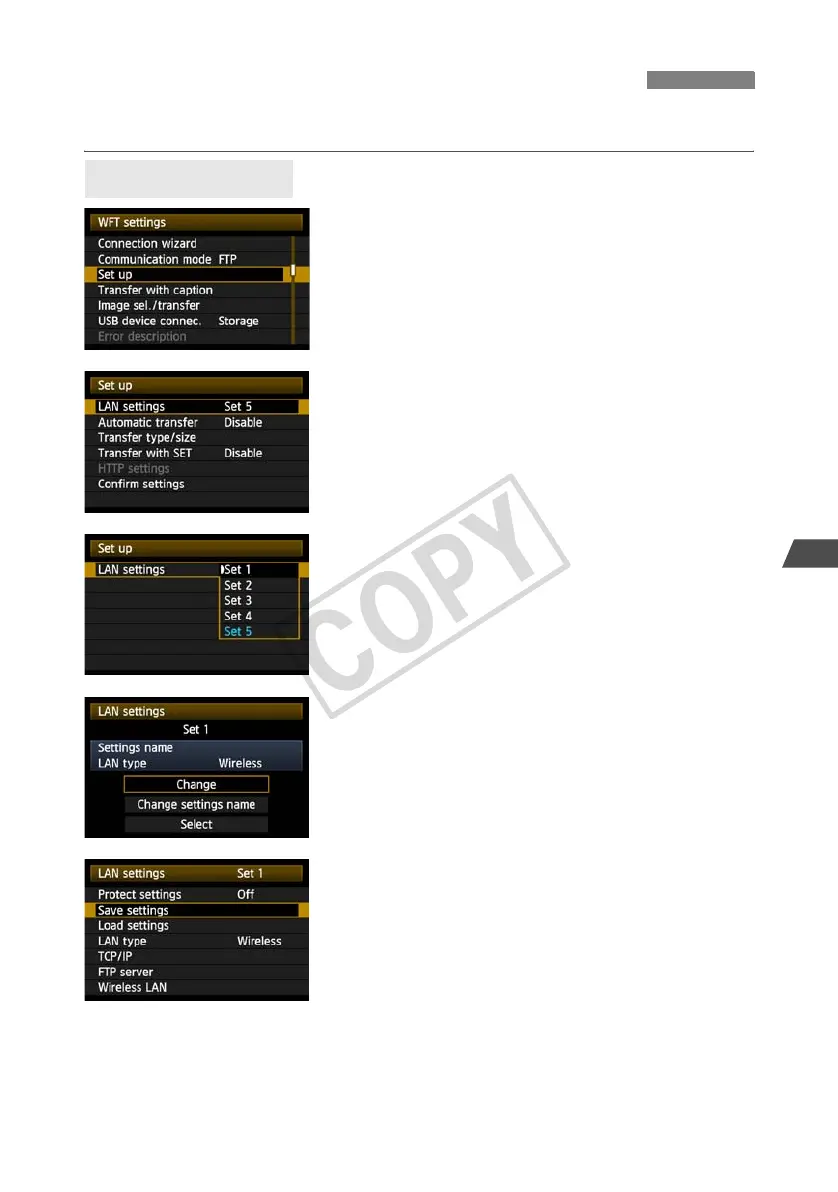
In [WFT settings], select [Set up].
2
Select [LAN settings].
3
Select the settings number.
Here, select the settings number that identifies the
LAN settings.
4
Select [Change].
5
Select [Save settings].
Saving and Loading Settings
Saving Settings



 To Next Page