34
Simply select an image and press <0> to transfer it. You can also add a caption before
transferring images. You can also continue shooting even while images are being transferred.
1
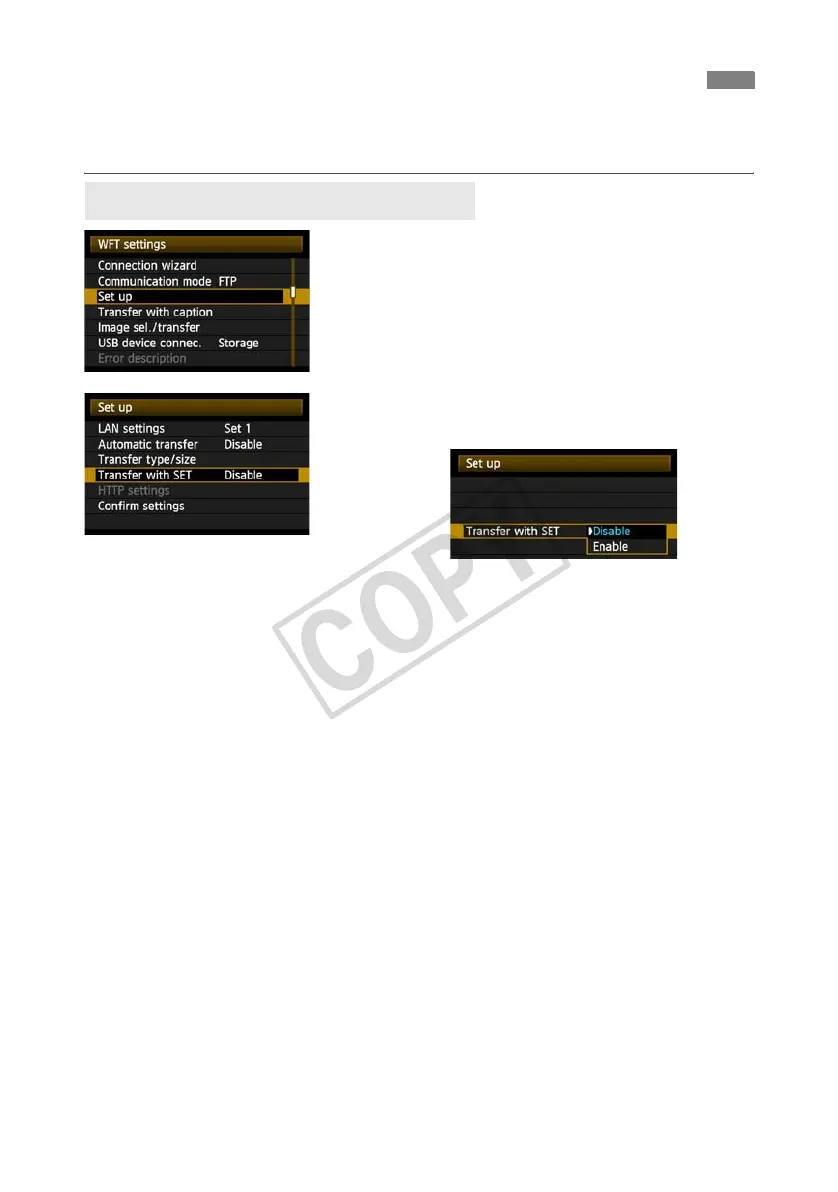
In [WFT settings], select [Set up].
2
Select [Transfer with SET].
Select [Enable].
3
Select the image.
On the camera body, press the <x> button.
Select the image to transfer, and then press <0>
to transfer the image.
Movie cannot be transferred this way.
Selecting movie and pressing <0> will
display the movie playback panel.
Transferring Images Individually
Transferring the Current Image



 To Next Page