53
4
HTTP Settings and Remote Capture
1
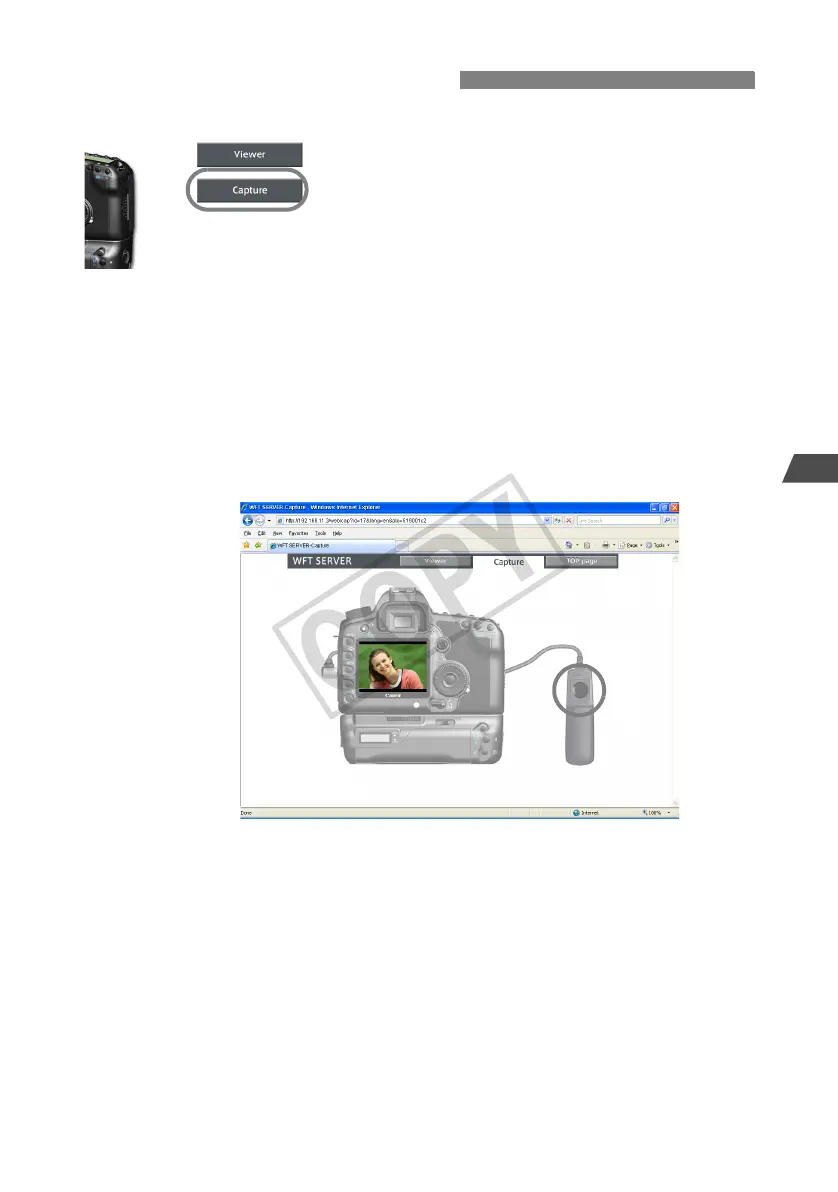
Click [Capture].
X The capture screen is displayed.
2
Take the picture.
Set the lens focus mode switch to <g> and
adjust the focus.
In the browser, click the release button of the
simulated remote controller. The camera will shoot
when the button is released.
X The captured image is displayed in the simulated
camera monitor in the browser.
Captured images are stored on the CF card.
Shooting Remotely



 To Next Page