54
Shooting Remotely
3
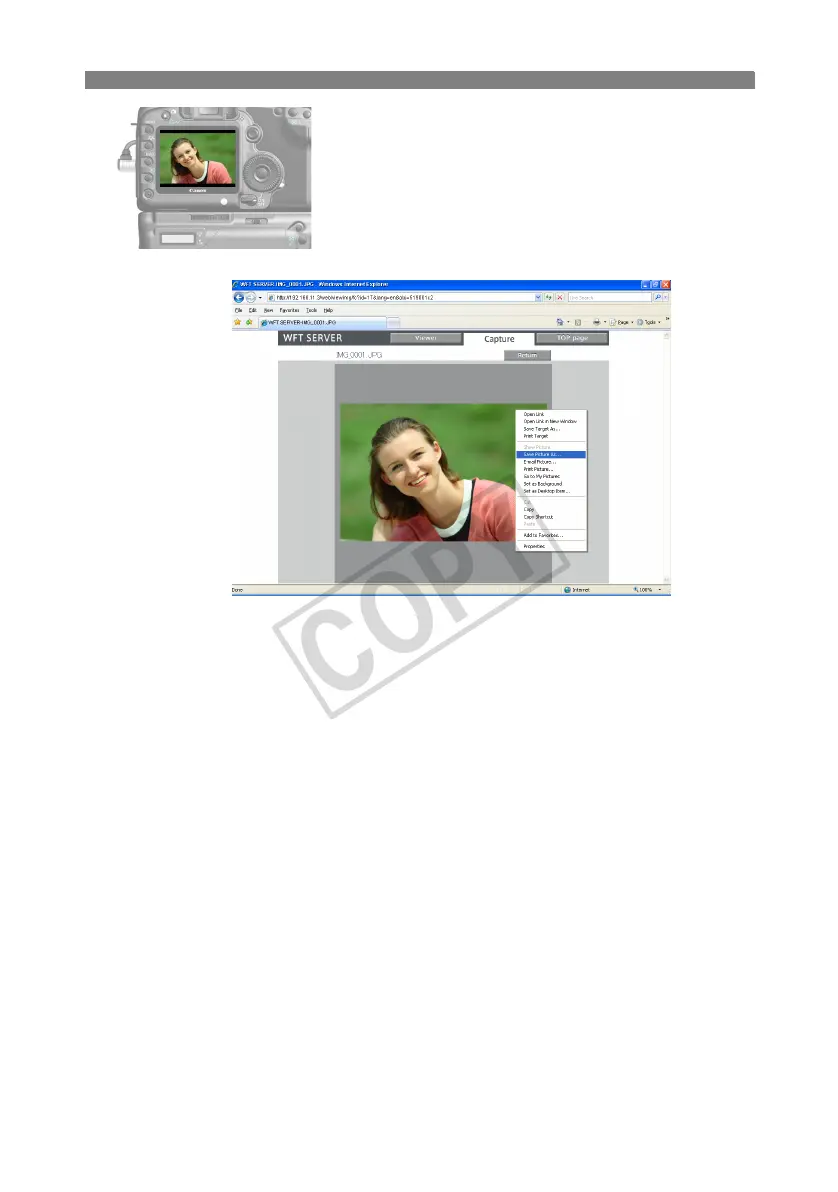
Download images to the computer.
Click the image.
X The image is displayed at a larger size.
Follow the web browser instructions to download
the image to the computer.
To return to the remote capture screen, click
[Return].
Although RAW images and movie are not displayed at larger sizes, they can be downloaded to
the computer the same way as JPEGs.



 To Next Page