62
Saving and Loading Settings
6
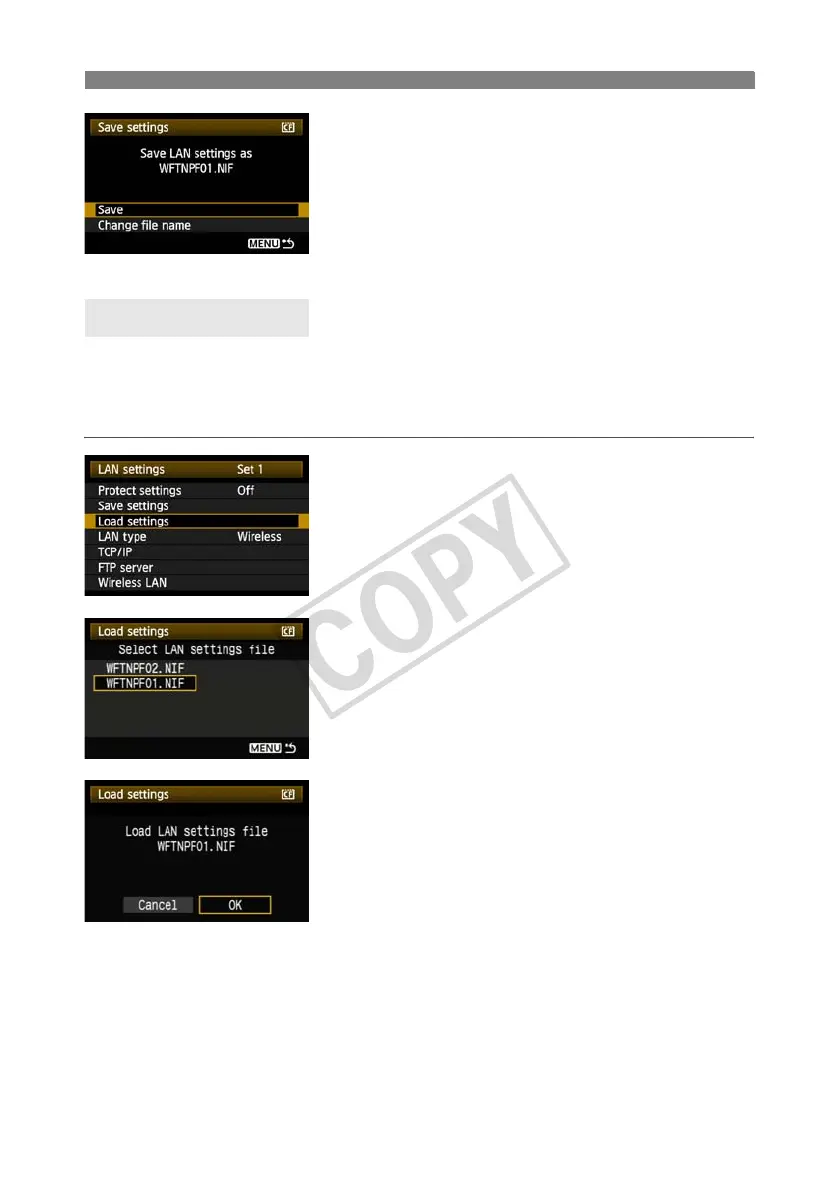
Select [Save].
X The settings are now saved as a file on the CF
card.
The file name is determined automatically by the
camera: WFTNPF, followed by a number (01 to
99) and the extension NIF. You can rename the file
as desired by selecting [Change file name].
Load settings files stored on a CF card as follows. Also use this procedure when loading
settings files created on a computer.
Make sure the settings file is saved in the folder shown when the CF card is opened (that is, the
root directory).
1
Select [Load settings].
2
Select the settings file.
X Select a settings file that matches your network
environment.
3
Load the settings file.
X Information from the settings file is loaded into the
selected settings number.
Loading Settings



 To Next Page