Checking Rotary Height
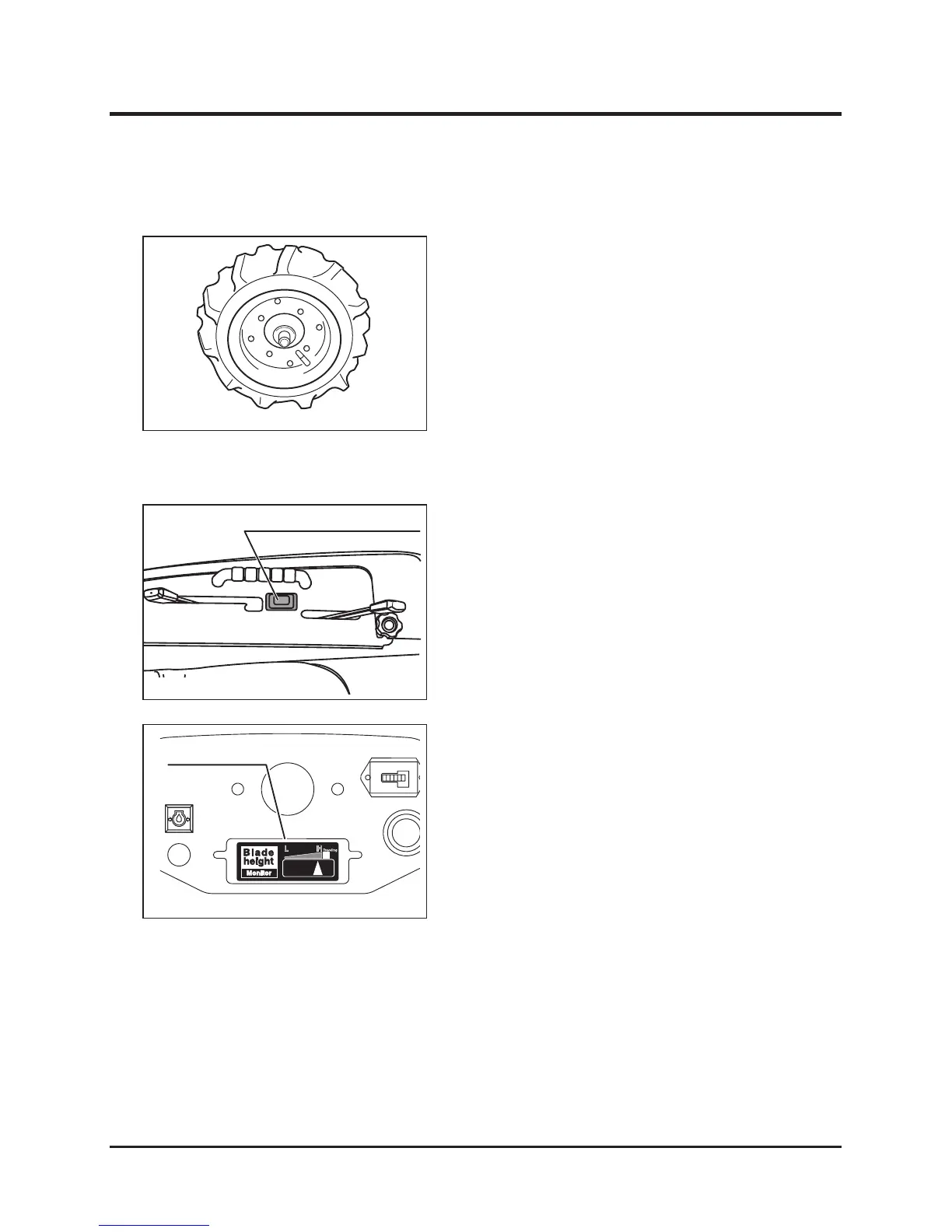
Checking Tire Pressure
1. Check the pressures of the front and rear
wheel tires. If they do not meet the standard
value, adjust them.
In order to prevent flat tires, the boundary
zones between the tires and hubs outside
and inside the wheels are filled with a tire
protective agent (Ultraseal).
1. When adjusting cutting height by pushing the
rotary blade height adjusting switch, confirm
that the monitor is connected to indicate the
adjusted cutting height.



 To Next Page