Inspecting, Adding, and Replacing Transmission Oil
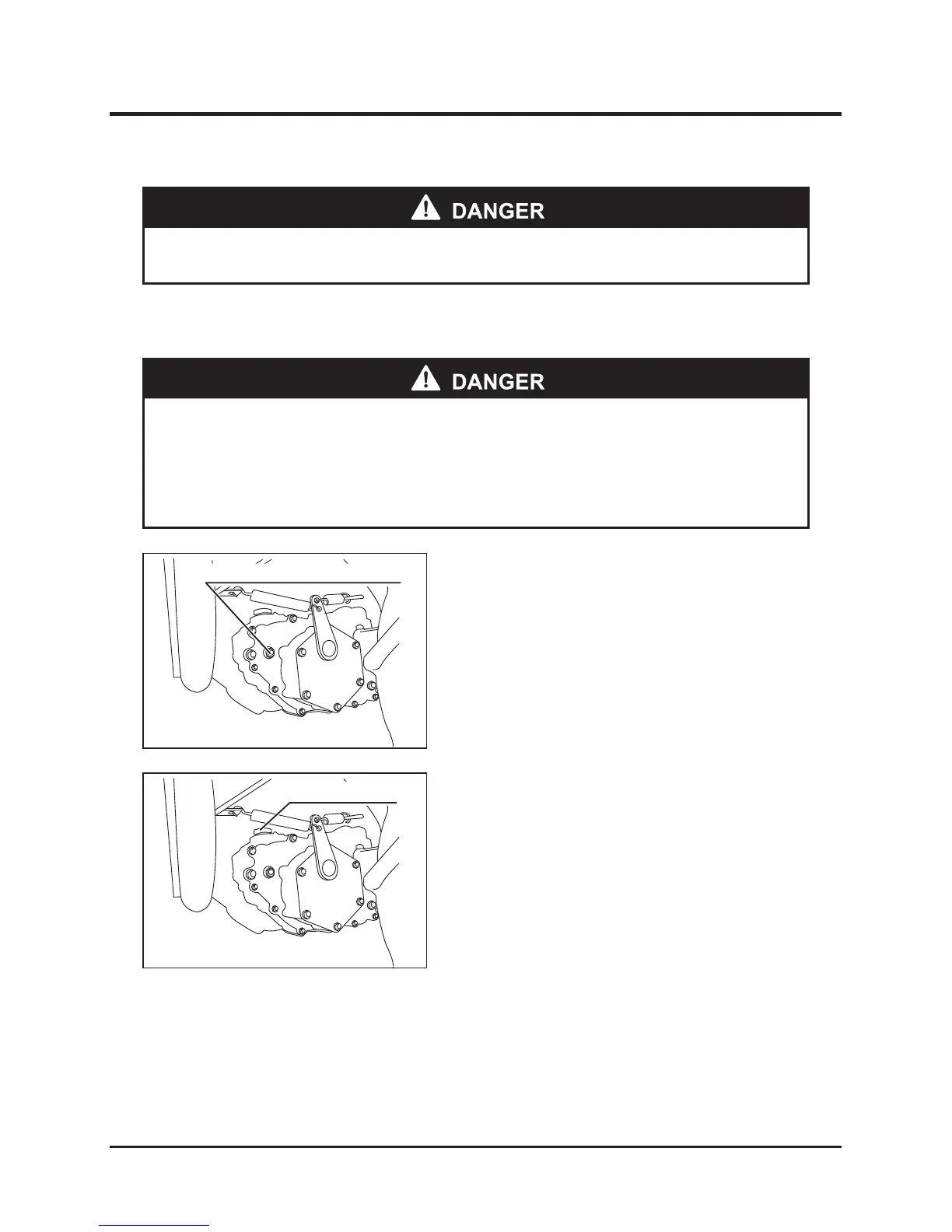
1. Park the machine on level ground.
2. Remove the oil level check bolt from the
oil-checking port. Oil level is sufficient if drains
from the port.
Inspecting Oil
Adding Oil
1. Remove the plug from the oil filler port.
2. Add the specified transmission oil to the oil
filler port.
3. Securely attach the plug to the oil filler port.
Running System
* Always stop the engine before performing maintenance.
* Allow oil and parts to cool before performing maintenance to reduce risk of
burns.
` Properly dispose of waste oil after removing from machine.



 To Next Page