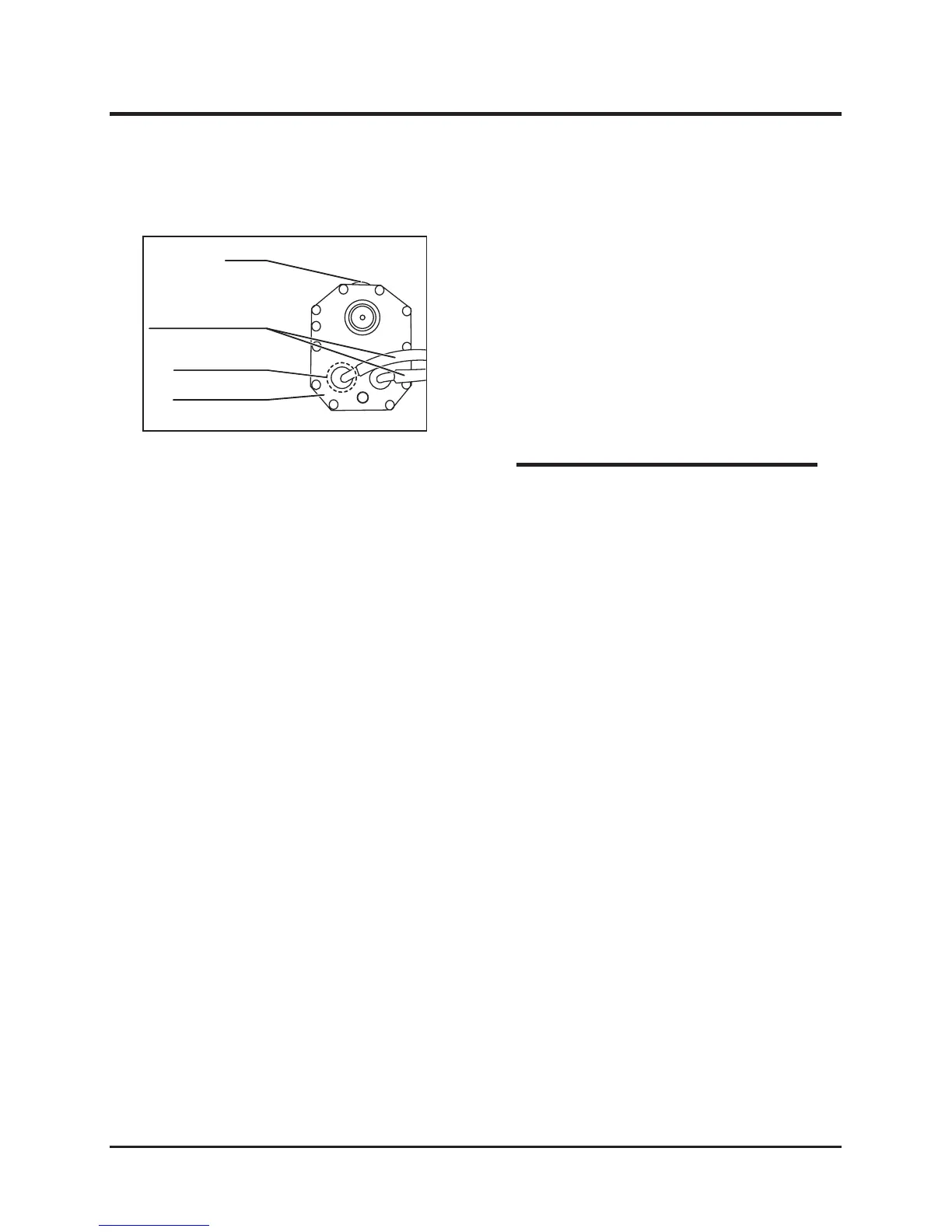
Replacing HST Oil Filter
1. Drain the oil from the oil tank.
2. Remove the oil hose connecting to the oil tank.
3. Remove the tank cover and replace the oil filter
inside the tank with a new one.
4. Attach the oil tank cover and oil tank
connecting hose.
5. Add oil to the oil tank.
5314M-0709-020-E
* Confirm that there is no oil leak from the
filter-mounting part, hose connecting ports,
and joints.
NOTE



 To Next Page