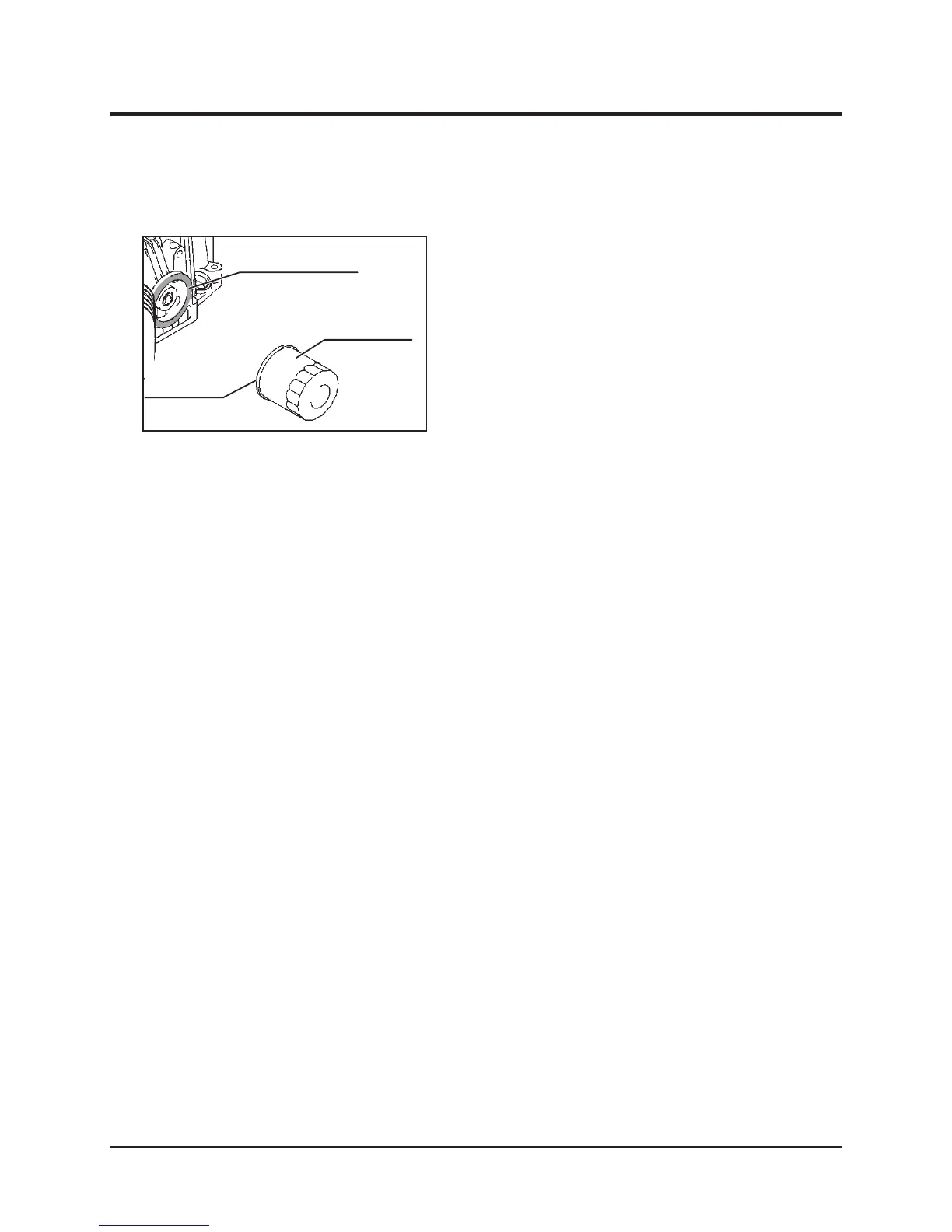
1. Drain the engine oil.
2. Remove the oil filter cartridge, using an oil filter
wrench.
3. Clean the mating surface “B” for mounting the
filter cartridge to the engine.
4. Apply a film of new oil to the sealing surface
“A” of the filter cartridge before mounting it.
5. Tighten the new filter cartridge manually, until
the sealing surface “A” touches the mating
surface “B”, then further tighten the cartridge
by a 3/4 turn with the oil filter wrench.
6. Add the specified engine oil. (See Page 47.)
7. After starting the engine, check that the oil
does not leak from the mounting part of the
filter cartridge.
Replacing Engine Oil Filter
5314M-0709-010-E



 To Next Page