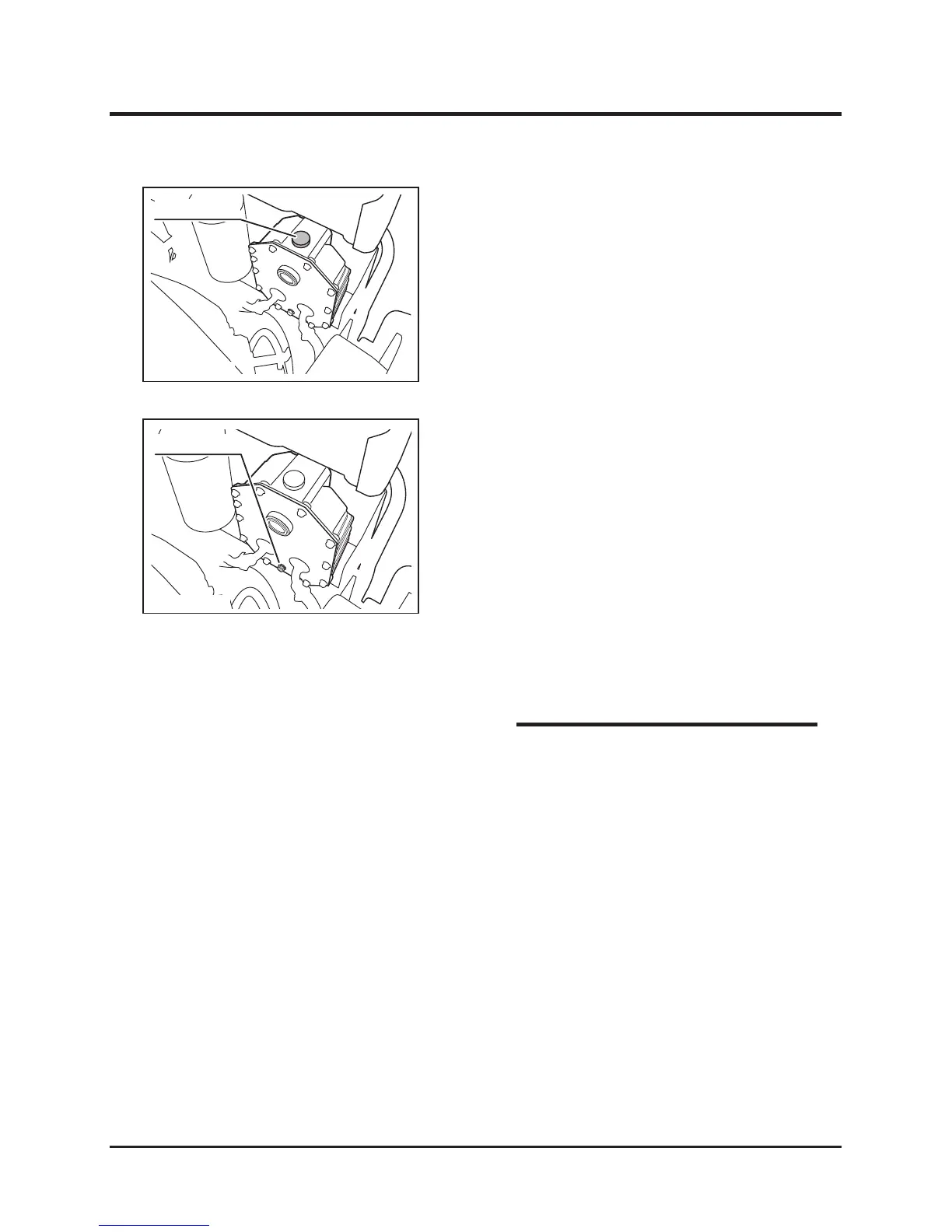
1. Remove the cap from the hydraulic oil filler
port.
2. Add the specified hydraulic oil to the oil filler
port.
3. Check the oil level gage and confirm that the
system is filled with the specified amount of
the hydraulic oil.
4. Securely attach the cap to the oil filler port.
Adding Oil
1. Position a vessel suitable for receiving the
drained oil under drain plug.
2. Remove the drain plug and drain the present
oil from the hydraulic system.
3. Attach the drain plug.
4. Add the fresh specified hydraulic oil. (Check
the amount of the supplied oil.)
5. Start the engine to expel air from the hydraulic
system.
6. Confirm that the system is filled with the
specified amount of the hydraulic oil.
Replacing Oil
* Replace the HST oil filter when replacing the
hydraulic oil. (See page 59.)
* Specified hydraulic oil: See Page 47.
* Amount of hydraulic oil: See Page 47.
NOTE



 To Next Page