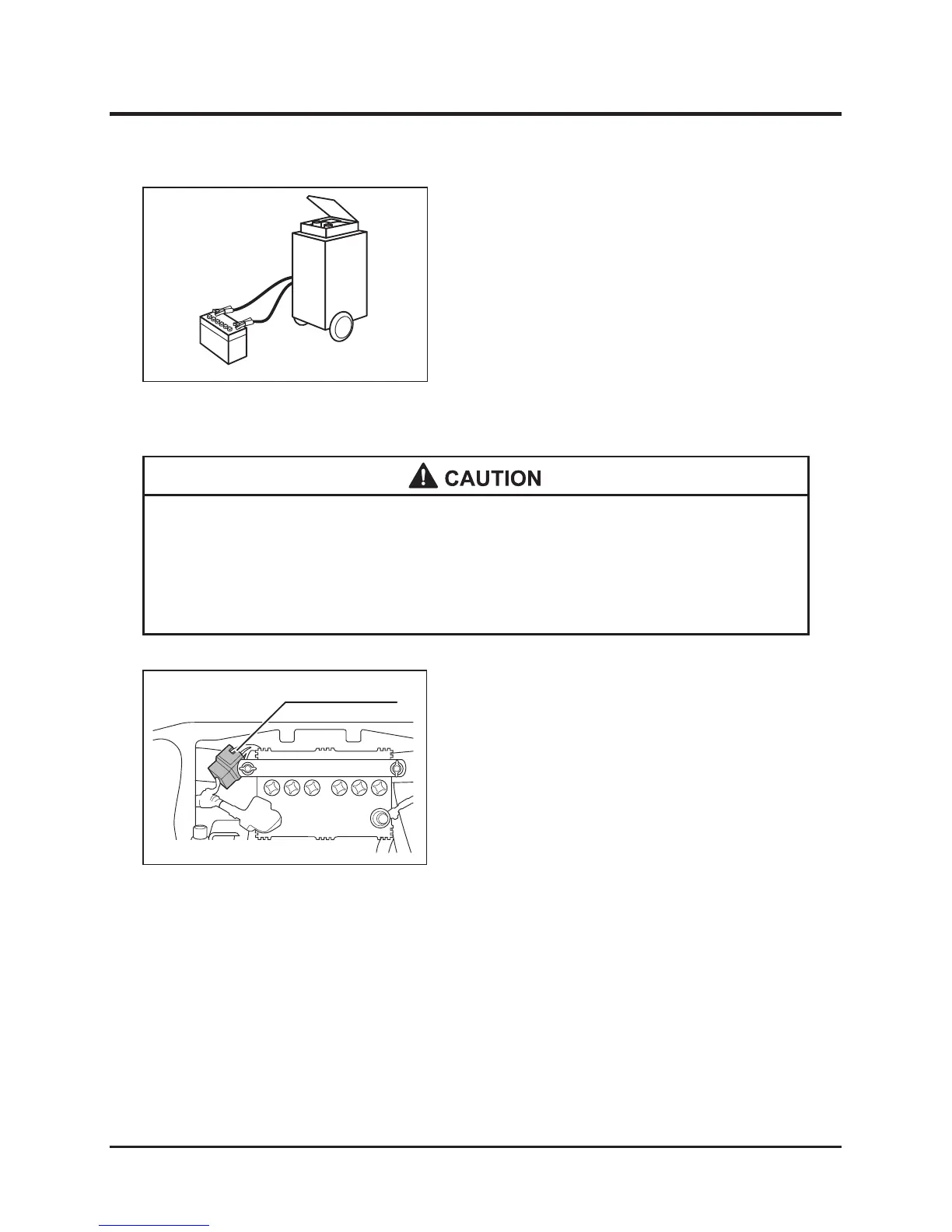
1. Remove the battery from the machine.
2. Charge the battery according to the
instructions in the manual of the battery to be
used.
* When a fuse has blown, examine the cause first. Do not replace the fuse before
correcting the cause.
* Replace the blown fuse with a new one with the same specified capacity to
avoid electrical equipment failure.
1. Remove the front cover of the fuse box and
check the fuse inside the fuse box.
2. When the fuse has blown, replace it with a new
one having the same specified capacity.



 To Next Page