5314M-0708-050-E
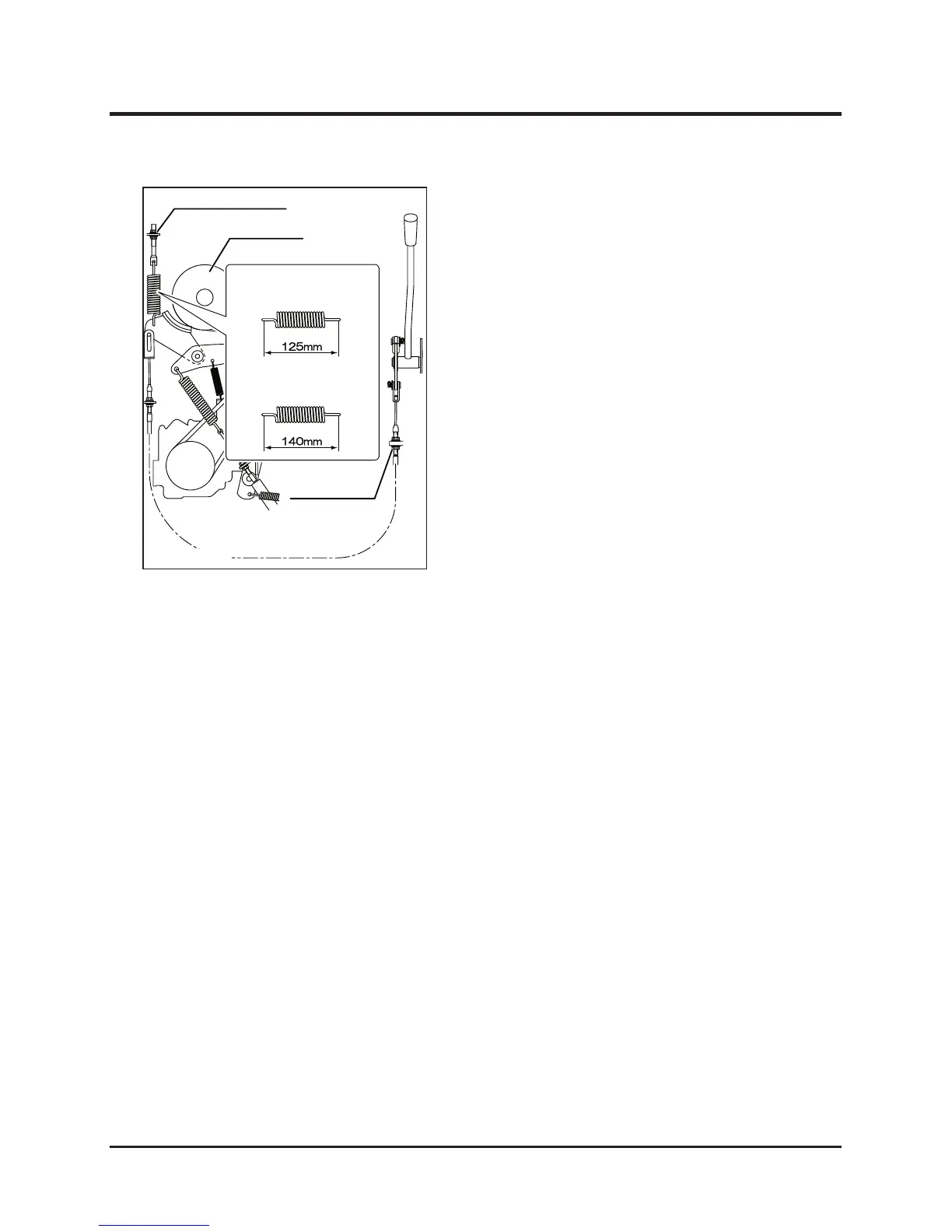
When the rotary cutter does not stop within about
4 seconds after shifting the cutting blade clutch
lever to "OFF", and when the rotary stopper is
replaced, adjust the rotary cutter brake according
to the following procedure.
Adjusting Rotary Cutter Brake
1. Confirm that the engine stops.
2. Adjust the length of the spring “F” to 125 mm
with adjusting nut “G” when shifting the blade
clutch lever to “OFF”.
3. Adjust the length of the spring "F" to 140 mm
with adjusting nut "E" when shifting the blade
clutch lever to "ON".



 To Next Page