28
MLB242
User’s Guide MLB242-V1
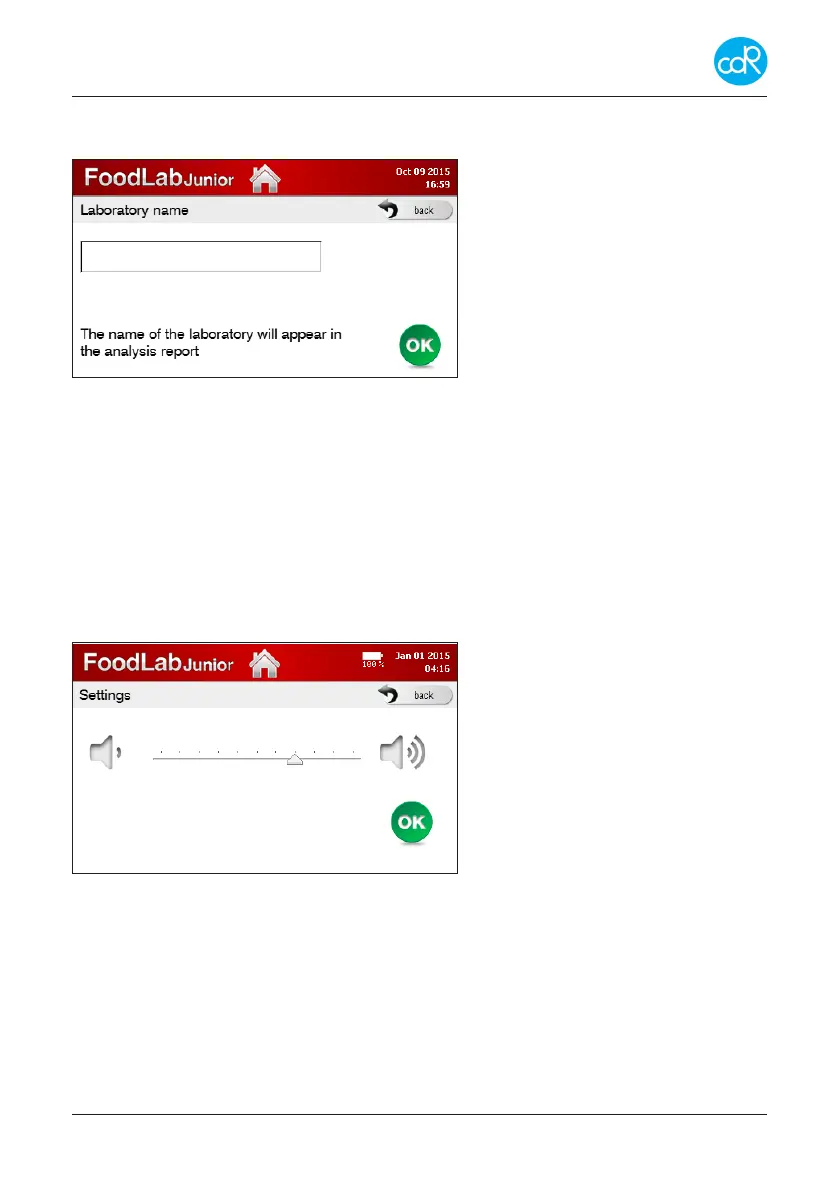
3.7.3 Laboratory name
Touch LAB NAME to open its dialogue LAB SETTINGS.
Touch a position and specify your
entry.
Touch OK for storing.
Figure 26 Setting of lab name
3.7.4 Test Methods
Touch Test Methods to open its dialogue. For all tests the application methods are
available and explained step by step. After selection a series of dierent dialogues will
be shown to get details for test application. These dialogues are also available after
starting a test run and selection of help-symbol.
3.7.5 Audio
Touch AUDIO to open its dialogue.
Adjust here the loudness of the beep-
er by touching symbols.
The line shows the adjusted range of
loudness.
Touch back for exit or
Touch OK for storing.
Figure 27 Adjustment audio


 To Next Page