22
MLB242
User’s Guide MLB242-V1
3 Operation
3.1 Operation procedure
The MLB242 analyzer is equipped with dedicated software/application for the determi-
nation of parameters on dierent sorts of foodstu.
Before you start your analysis, check if the analyzer set-up is ok, see
chapter 3.7 Settings Menu.
3.2 Switching on the analyzer
To run the MLB242 press the ON/OFF key at rear side. Make sure that the read-
ing cells are free and not occupied by a cuvette! After that the analyzer heats up to
37°C/98.6°F. This will take about 20 min. The photometer and modules are checked
automatically.
The MLB242 is now ready to start analysis as soon as Tests dialogue can be opened
for a test selection.
3.3 Preparation of reagents and samples
Read carefully the information provided in the Test Application Instructions!
While power up prepare reagents and samples for testing.
3.4 Test selection and execution
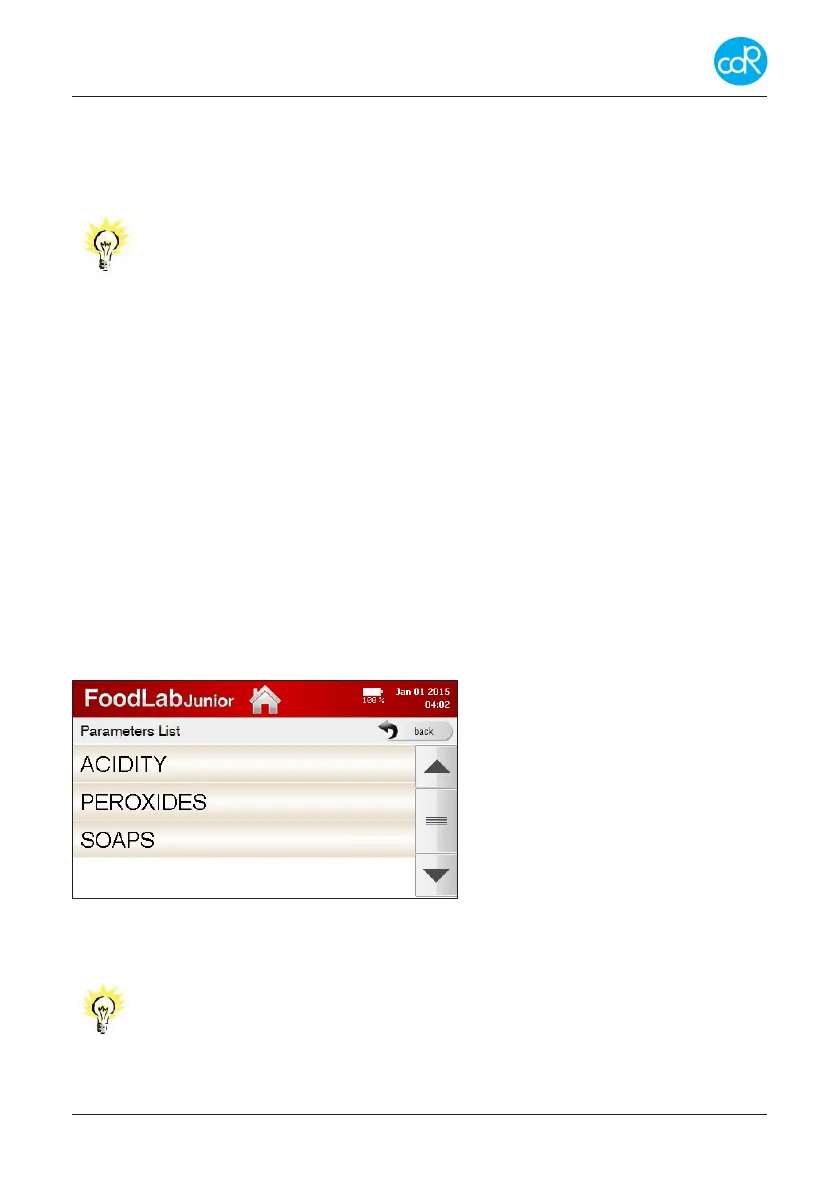
• For a test selection, touch Tests on display to open the Parameters List. The
following (similar) dialogue is shown:
Figure 14 Parameters List
• Touch the test e.g. ACIDITY to open its List of dierent test ranges.
Note that the following line of dialogues are very special and is
according to the test application instruction. For other tests the pro-
cedureisdierent!


 To Next Page