31
MLB242
User’s Guide MLB242-V1
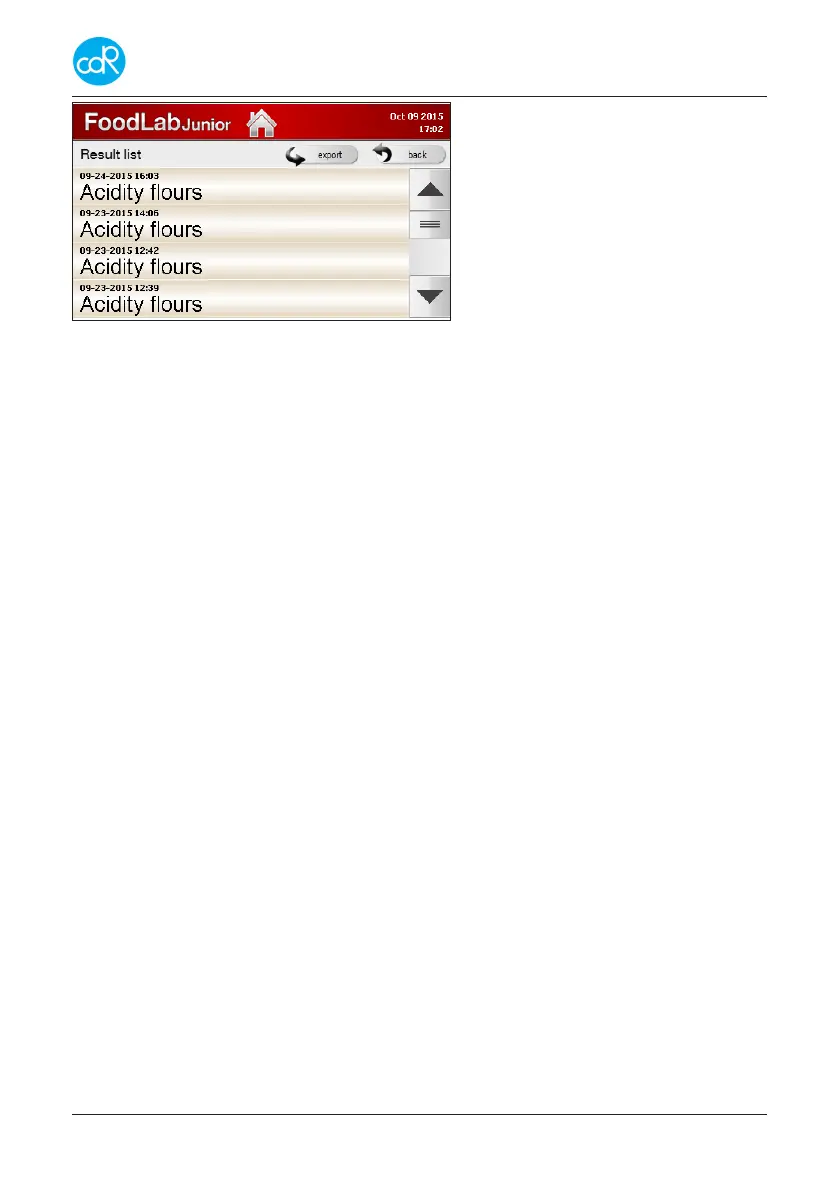
To get back to the test selection dia-
logue, touch the back icon.
To export data, see description below.
Figure 33 Result list
The complete database can be exported by touching export in a *.XML or *.csv size
to use it with e.g. MS-Excel. A message appears: Export done! Get result les through
USB port. Proceed as described in chapter 6.5 Data transfers.


 To Next Page