Page | 13
Carlson Software
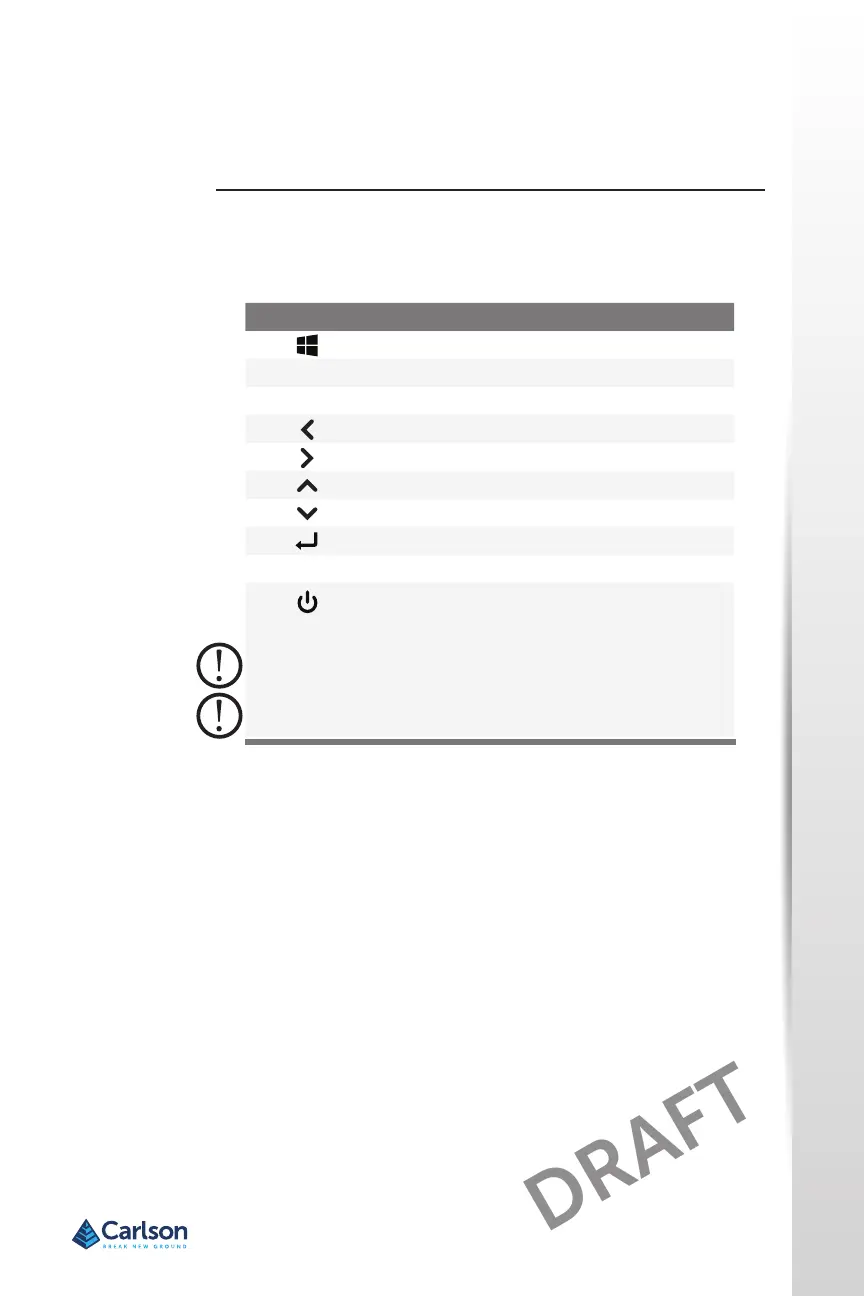
The RT4 has programmable keys, a power/suspend key, windows key, enter
key, and a navigaon pad.
The keys are sealed and have backlight illuminaon.
The p1, p2, and p3 keys can be congured to launch applicaons or
funcons.
To assign the programmable keys, open the Start menu and select Keypad
(located at the boom of the Start menu screen in a shortcut le). The
Keypad Buons and Backlight panel appears. The programmable keys and
their current assignments are shown. Select your preferred funcon per
key from the drop down menus.
Keypad Backlight Brightness
To adjust the keypad backlight brightness, go to the Start menu and select
Keypad. At the boom of the Keypad Buons and Backlight panel is a slider
that adjusts the keypad backlight brightness. You can make the backlight
brighter by moving the slider to the right or turn it down by moving the
slider to the le. Dimming the keypad backlight extends baery life when
the RT4 is in use.
Keypad
Features
Programmable
Keys
Keypad
Key Funcon
Windows Start screen
p1 Volume down (programmable)
p2 Volume up (programmable)
Move le
Move right
Move up
Move down
Enter (return)
p3 On screen keyboard (programmable)
Power
• Press and release: On or sleep
• Hold for 5 seconds and pull down screen: Power o
• Hold for 10 seconds: Reset device.
• Hold for 20 seconds: Electrically disconnect the
baery pack(s); to reconnect the baeries, you
are required to plug in the charger or external 12
V power.



 To Next Page