32 | Page
Carlson RT4 User Manual
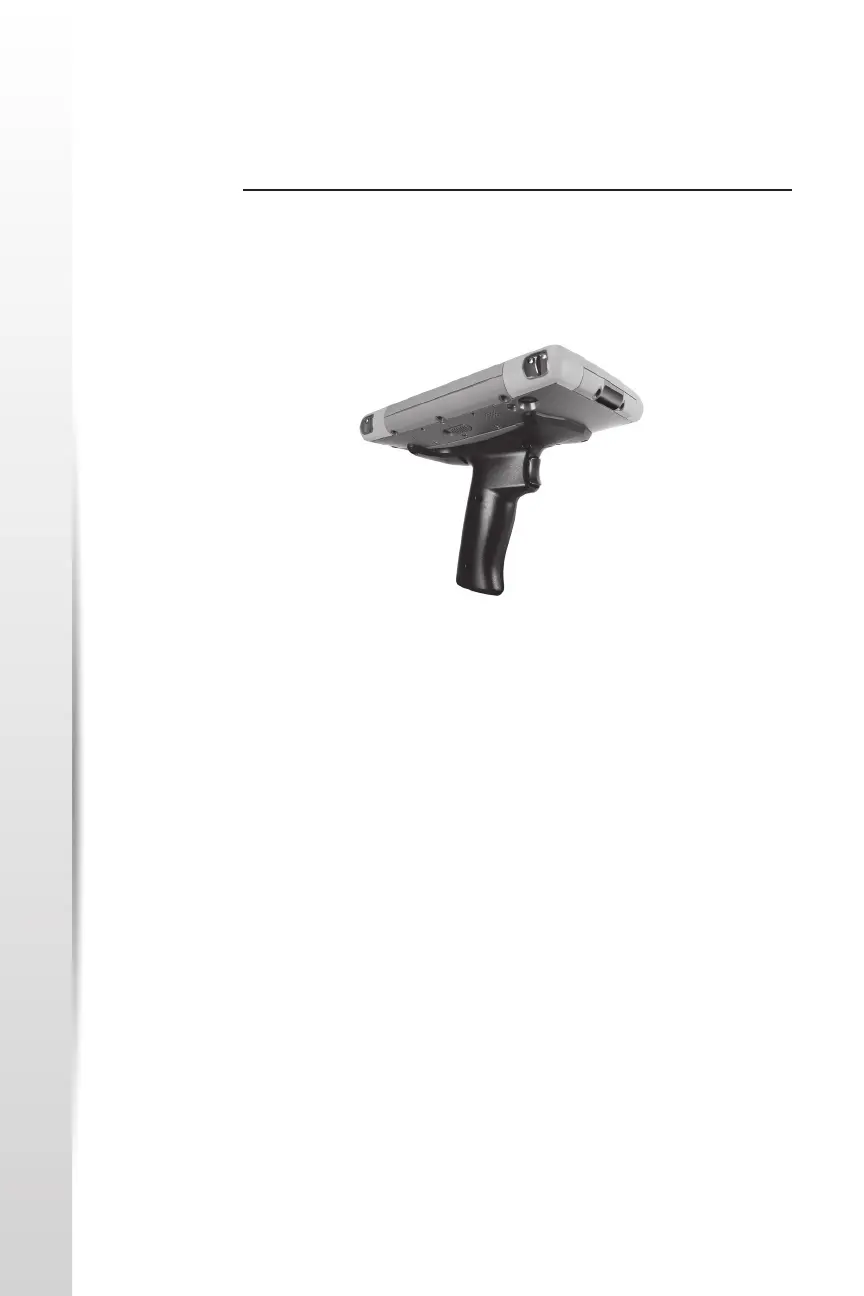
Pistol Grip
Pistol Grip The Pistol Grip is designed to reduce strain and maximize producvity in
heavy barcode scanning applicaons. It meets MIL-STD-810G.
Note: Pistol grip compability requires that the RT4 is congured with the
electrical contacts on the case back.
How to Use the Pistol Grip
1. Place the RT4 with the back facing up.
2. Line up the three screw holes and contacts on the Pistol Grip with
these items on the RT4.
3. Use the three screws included with the Pistol Grip to aach it to the
RT4.
4. Use the Barcode Connector soware discussed earlier in this chapter
as described.
5. The trigger has two stages. Pull it halfway back to turn the laser on
and aim the barcode imager at the barcode. Pull it back fully to read
the barcode.
Note: It is not compable with the RFID reader.
Holster
There is an oponal nylon holster for this system that you can aach to a
belt or shoulder strap.



 To Next Page