28 | Page
Carlson RT4 User Manual
Barcode Imager
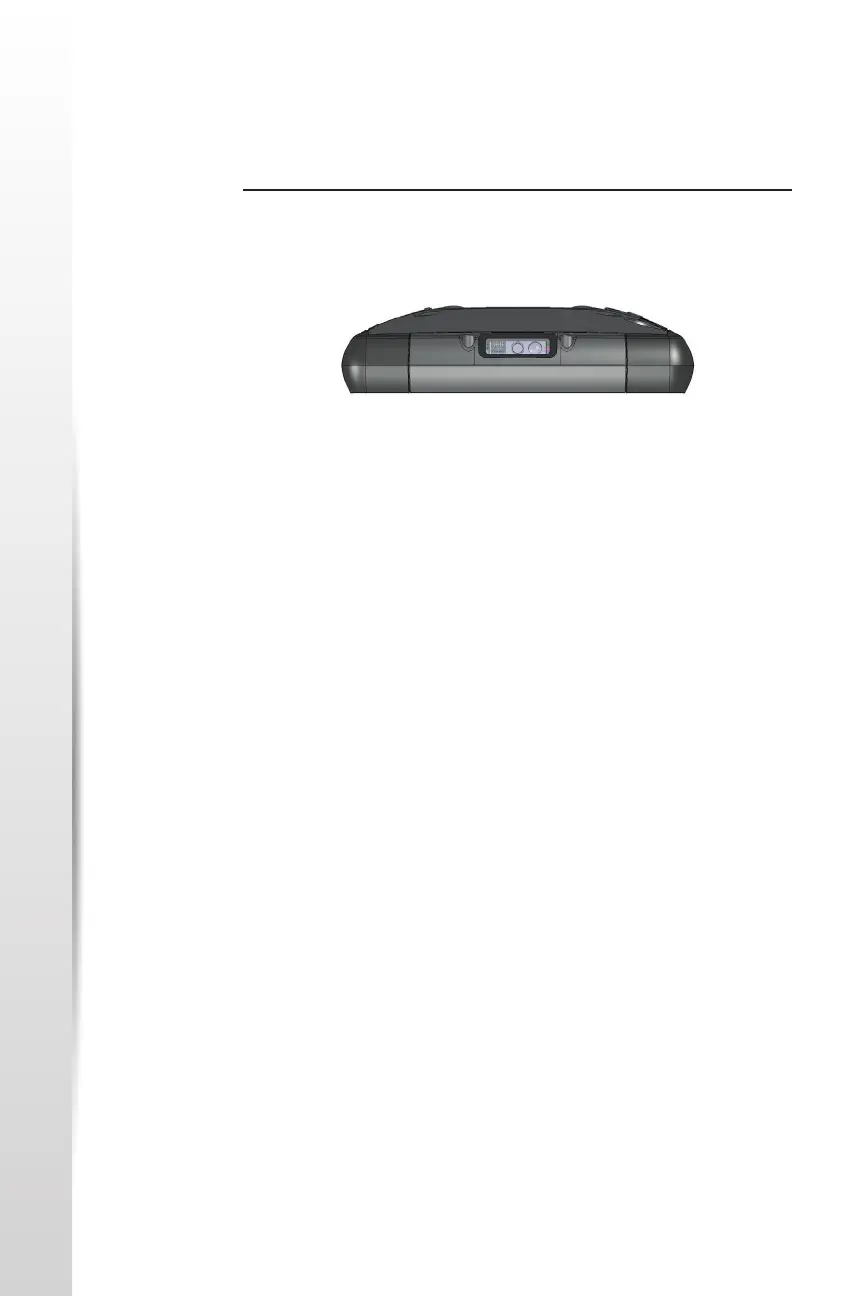
Barcode Imager The RT4 Rugged Tablet with a barcode imager allows you to read 1D and
2D barcodes and easily import barcode data into custom or standard
programs running on the RT4.
Barcode Connector Ulity
The Barcode Connector™ ulity is a barcode wedge program provided with
the barcode imager.
Home Screen
When the Barcode Connector ulity loads, the home screen appears.
From the home screen, you can do a Scan Test right away. Aim the imager
towards a barcode. Tap Scan on the screen or press the scan buon on the
keypad (p2 is the default). When a red aiming LED appears, place it on or
near the barcode. Aer a successful scan, the Scan Symbology Type and
Scan Data are shown on the screen.
Barcode Menu
Select the menu symbol in the upper le hand corner of the home screen
or swipe the screen from le to right to see the menu (you can do this
from any screen in the applicaon). This menu gives you access to several
seng screens.
User Sengs
From the menu, select User to open the User Sengs screen. From this
screen, set up opons like Barcode Scan Time and which buon to use to
scan barcodes.



 To Next Page