Page | 29
Carlson Software
Data Format and Barcode Types
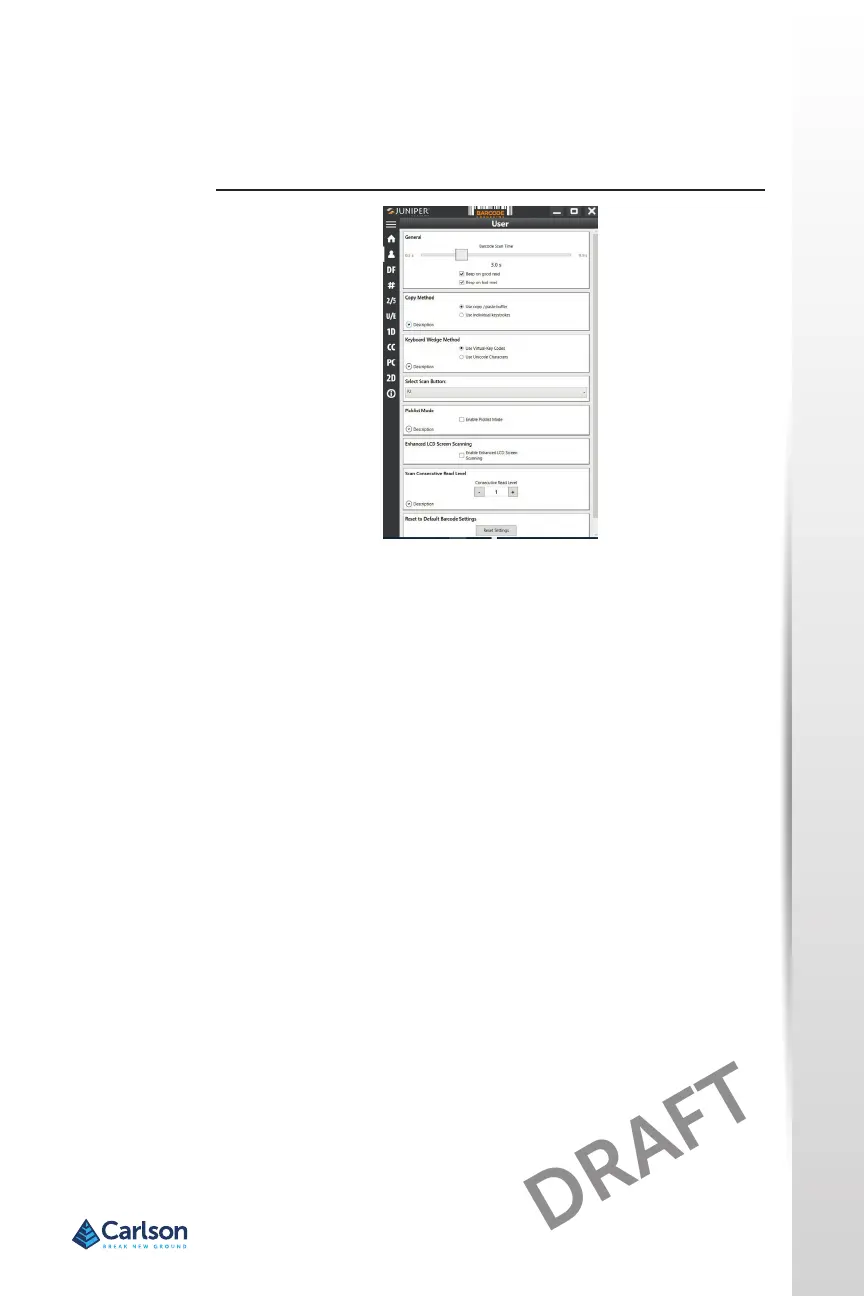
On the Data Format screen, you can set up a prex and sux.
Use the rest of the menu opons to set up dierent types of barcodes,
including 1D code types, composite Codes, postal codes, and 2D code
types.
Reading a Tag
Now that the Barcode Connector ulity is set up, you can start scanning
barcodes.
1. Minimize the Barcode Connector ulity.
2. Open an applicaon or document to receive the barcode data and put
the cursor where you want the data to be placed.
3. The barcode imager is located on the top of the RT4 when in portrait
mode. Aim the barcode imager at the barcode.
4. The distance required between the barcode and RT4 varies depending
on the barcode being read. There is a red aiming LED that helps you
aim at the correct barcode. Press the scan buon. When the barcode
is successfully scanned, the barcode informaon is placed in your
document.



 To Next Page