Page | 27
Carlson Software
Install the SIM Card
Install the SIM
Card
Install the SIM Card
The card slot and exible card holder are designed to hold the card
securely in place so it will not come out or disconnect if the tablet is
dropped. To insert or remove a card, follow these steps:
1. You must power o the tablet.
2. Remove the baery door as outlined in Chapter 1.
CAUTION: The RT4 is not sealed against water and dust when the baery
door is not installed properly.
3. Remove the baery pack by pulling up on the black tab on the front of
the baery pack.
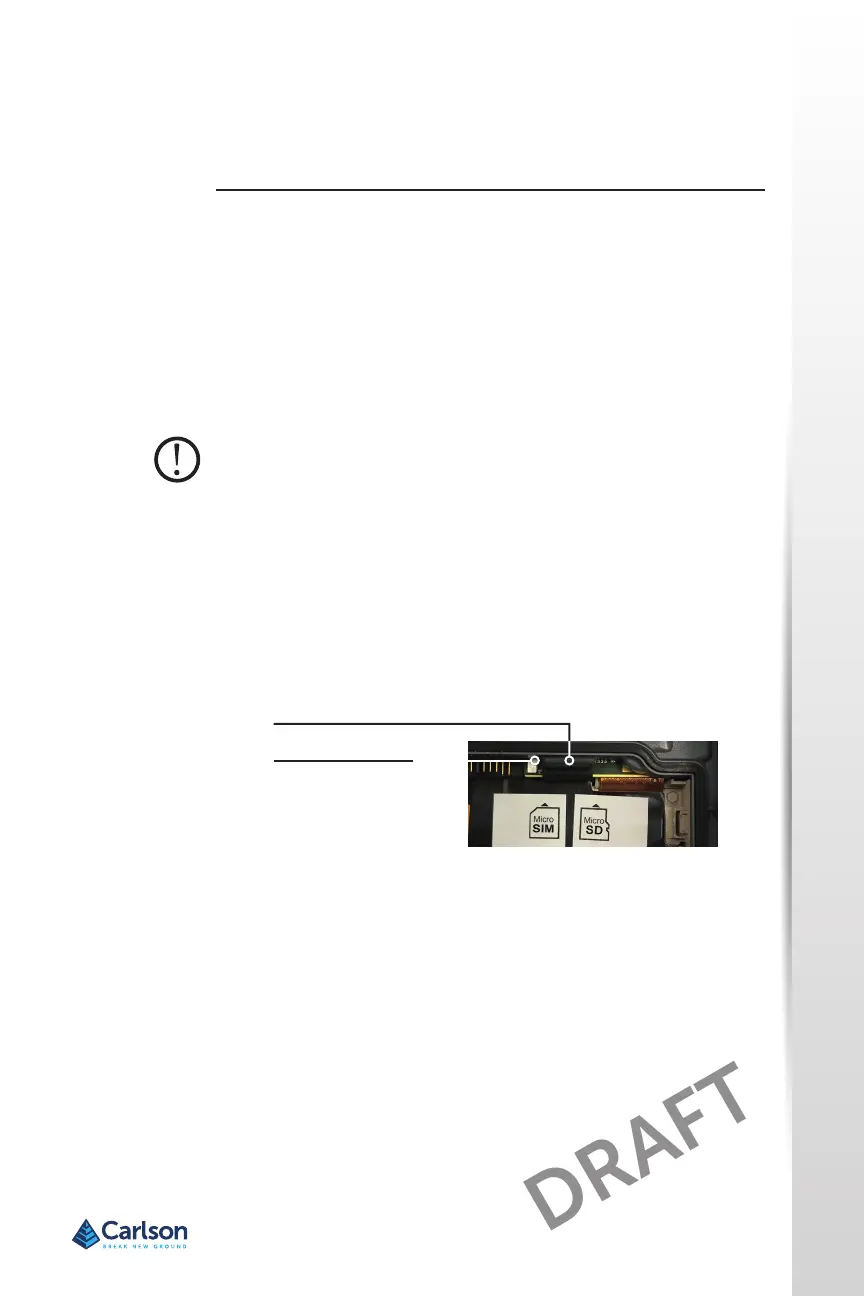
4. An image on the baery compartment label shows the correct
locaon and orientaon for the SIM card (slot on the le). Pull the
exible card holder back out of the way. Push the card into the slot to
insert it.
5. Push the exible card holder back into place, covering the card slots.
6. Replace the baery pack, and aach the baery door.
To remove the SIM card, gently pull it out with tweezers or a piece of tape.
Note: If the modem was on before shung the RT4 down to insert the SIM
card, you are prompted to congure the data connecon when you reboot.
SIM Card Slot
Flexible Card Holder



 To Next Page