Page | 25
Carlson Software
Conguring the GNSS Receiver
Conguring the
GNSS Receiver
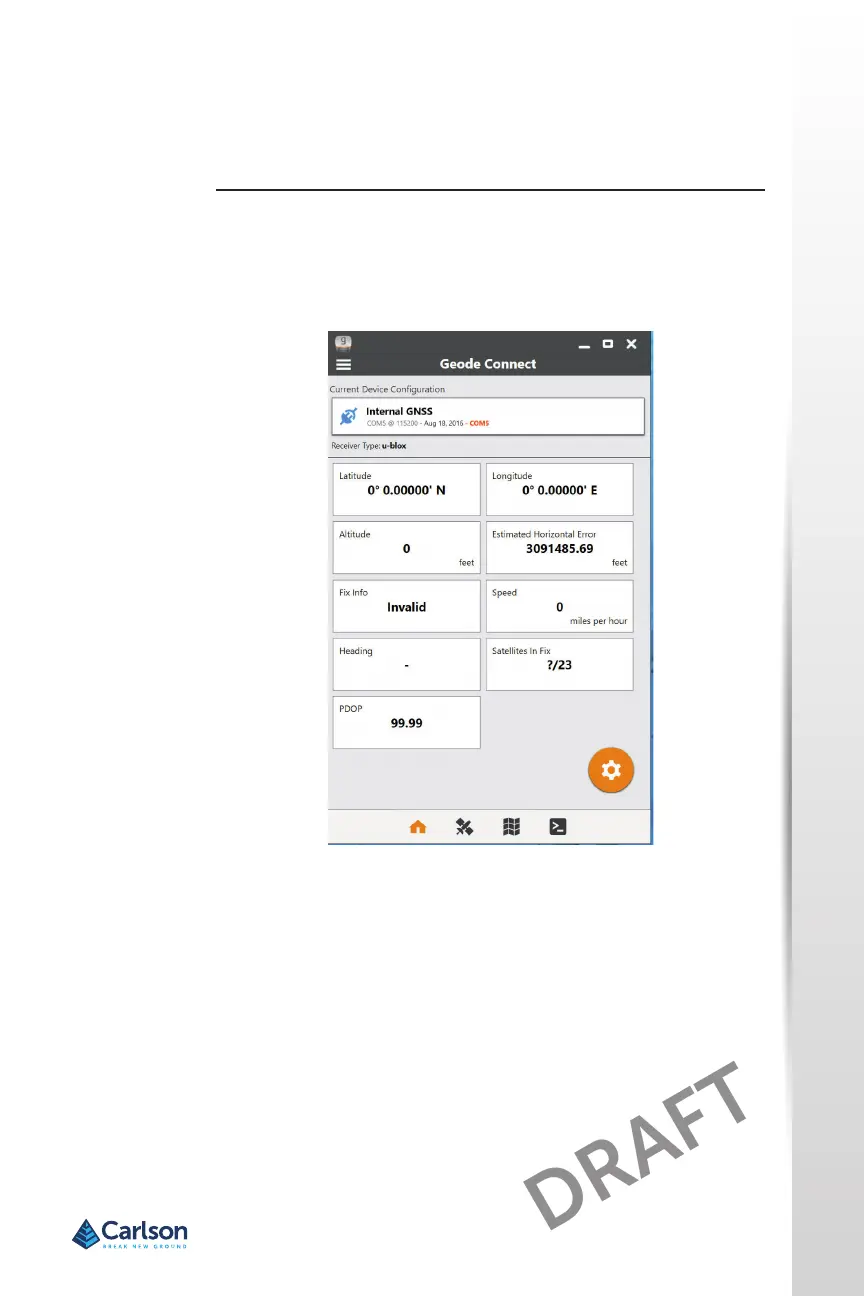
The Geode Connect ulity allows you to congure the internal u-blox GPS/
GNSS Receiver. From the Start menu, select All apps > Juniper > Geode
Connect. A screen is shown that lists all of the devices discovered. Select
Internal GNSS. A screen like the following is shown:
Tap on the gear icon to go to the conguraon screens.Congure the
receiver for your applicaon.
Note: On the Advanced conguraon screen, there is a Factory Reset
opon.
GPS/GNSS Accuracy
The GPS/GNSS antenna is at the top under the nocaon LEDs. It is
intended to work in both portrait and landscape view. Do not put your
hand or another object over this area. Accuracy could be reduced.
The more items between the antenna and the satellites, the lower the
accuracy.



 To Next Page