25
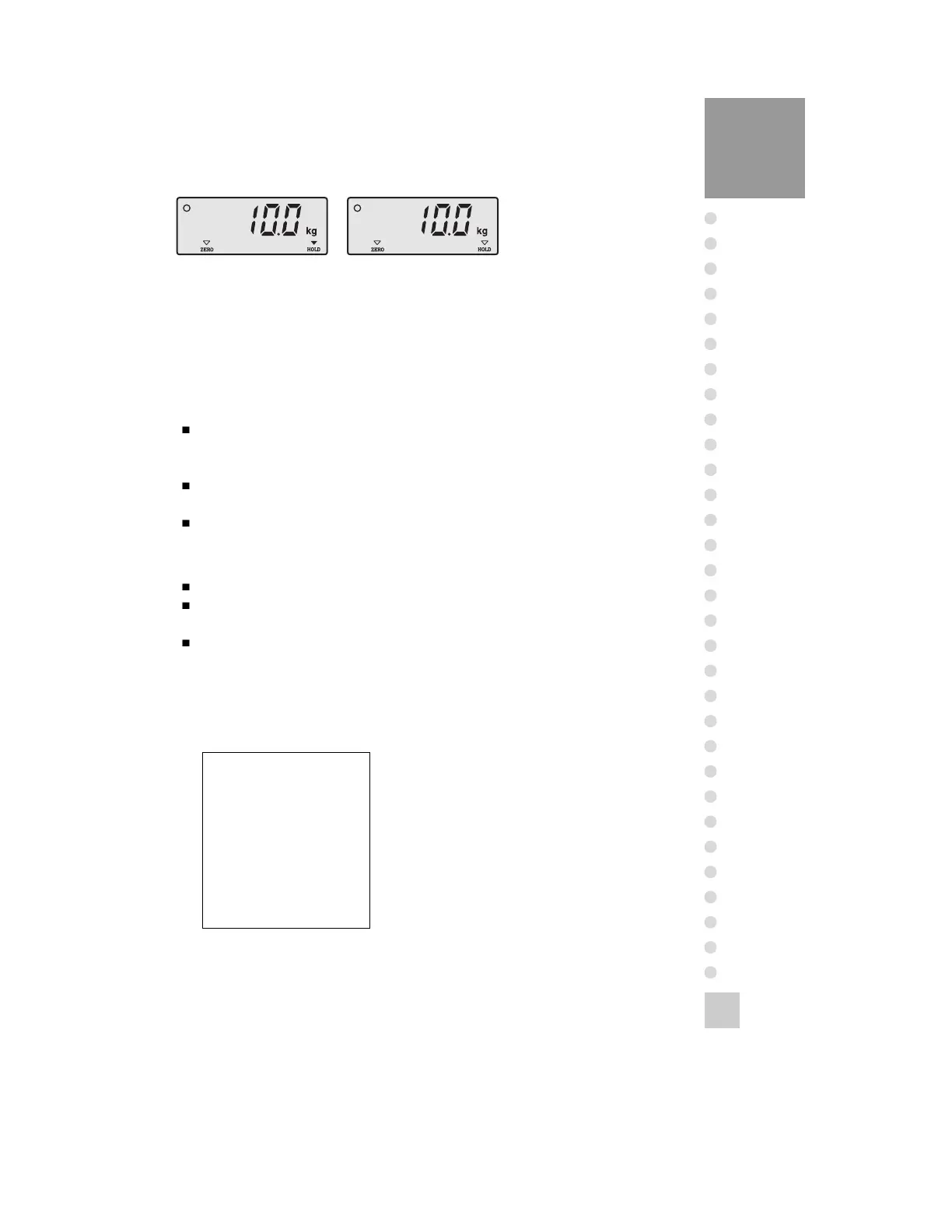
The hold weight is Empty the platform or
press
‘HOLD’ key to release the
hold
weight and then it will be
4. Print Method
1) General Print(To print F13=1 or 2)
F14=0 (Manual Print) - If you press ‘LIGHT/PRINT’ key, print current net
weight.
Print format is decided by F15 of set mode.
F14=1 (Auto Print) - If the weight status is stable, print current net weight.
Print format is decided by F15 of set mode.
The weighing number from 1 to 200.
2) SUM Print(It can be printed normally in selecting 1 or 2 of F13)
If you press ‘LIGHT/PRINT’ key for 2 sec, it will be printed as the follows.
After performing Sum-print function, the weighing number and sum-value is
automatically released.
After power turning on, the weighing number and sum-value is automatically
released.
[ SUM PRINT FORM ]
Data, Time
Weighing number, Net weight
----------------------------
SUB TOTAL
----------------------------
DATE: 2000. 1. 1
TIME: 12: 12: 12
COUNT: 200
TOTAL: 12345.5kg



 To Next Page