`
49
Note 3. To add the company name, “CAS,” to the existing print format, enter the following:
P01-067 ( ASCII Code 67 : Character C)
P02-065 ( ASCII Code 65 : Character A)
P03-083 ( ASCII Code 83 : Character S)
P04-255 ( ASCII Code 0: Data End)
Note 4. When printing in Korean characters, use a combination of codes.
F35
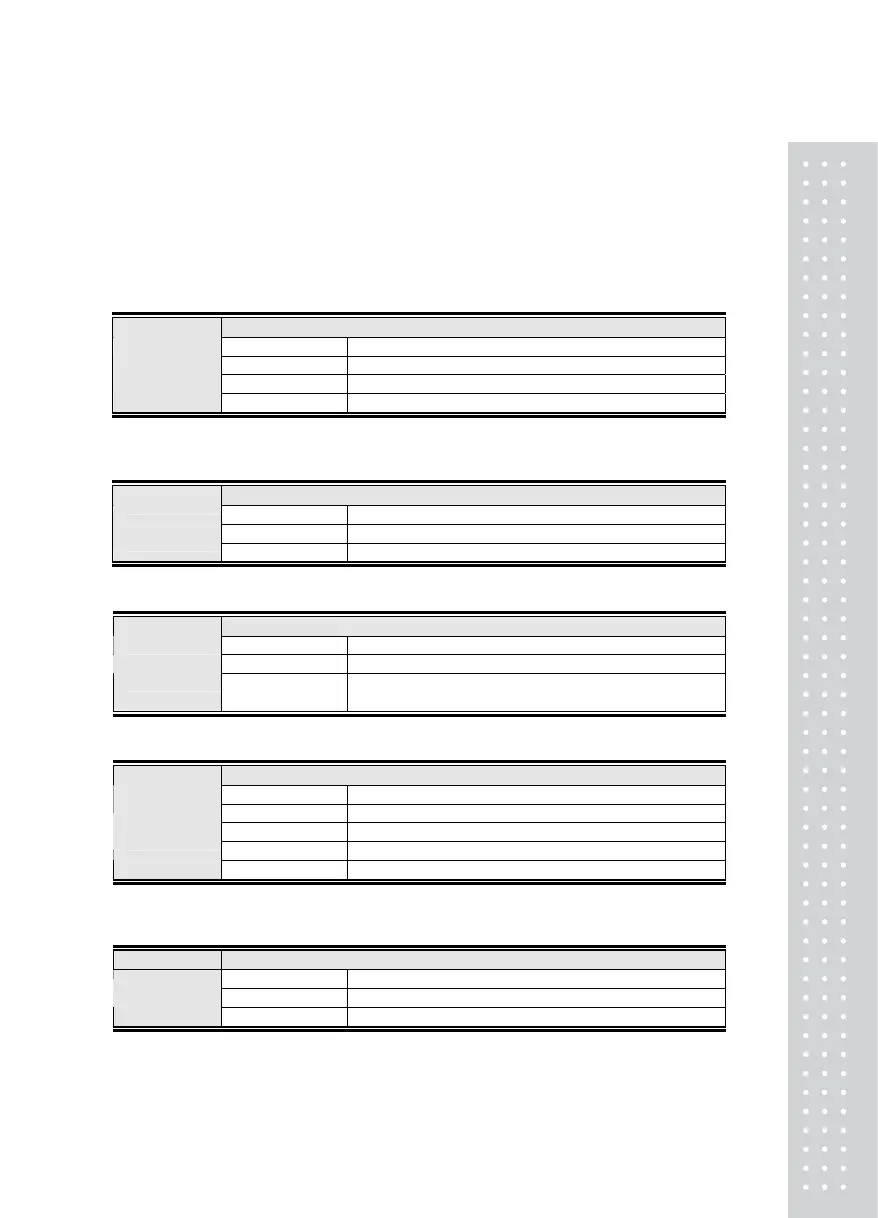
Function Set the Line Feed for Print (Line Feed)
Display Signification
F35. 0 No line feed
F35. 1 1 Line feed
Set-up Range
(1 ~ 9)
F35. 9 9 Line feed
F36
Function Set the Print Delay Time
Display Signification
F36. 00 Do not set print delay time
Set-up Range
(00 ~99)
F36. 49 Delay print to after 4.9 sec
F37
Function In Sub-total Print, Print Maximum, Minimum and Average Values
Display Signification
F37. 0 In sub-total print, print weight value
Set-up Range
(0 ~ 1)
F37. 1
In sub-total print, print maximum, minimum and
average values
F38
Function Select the Print Characters
Display Signification
F38. 0 CP-7100 /7200(Print in English)
F38. 1 CP-7100 /7200(Print in Korean, Completed Form)
F38. 2 DEP-50 (Thermal)
Set-up Range
(0 ~ 3)
F38. 3 DLP-50 (Ticket Print)
F39
Function Set the Print Output Range
Display Signification
F39. 0 All weights (+),(-) possible for a print-out
Set-up Range
(0 ~ 1)
F39. 1 Weight must be (+) for a print-out



 To Next Page